

Attendance
Attendance that can't be faked.
Employees check in and out with one tap on their own phone, and the server confirms they are really at the office, without tracking anyone. Companies run it all from OneTap Admin.
At a glance
For companies that want attendance records they can rely on, and that their people can trust.
- Every check-in proves the right place, the right phone, the right person and the right moment
- No location trail, and no biometrics leave the phone
- On iPhone and Android, unlocked with Face ID or fingerprint
- Set up offices, invite people, see who is in, review doubtful check-ins and export statutory registers
What every check-in proves
The server decides every check-in, and the phone never gets to say what time it is or which office it is in.
The right place
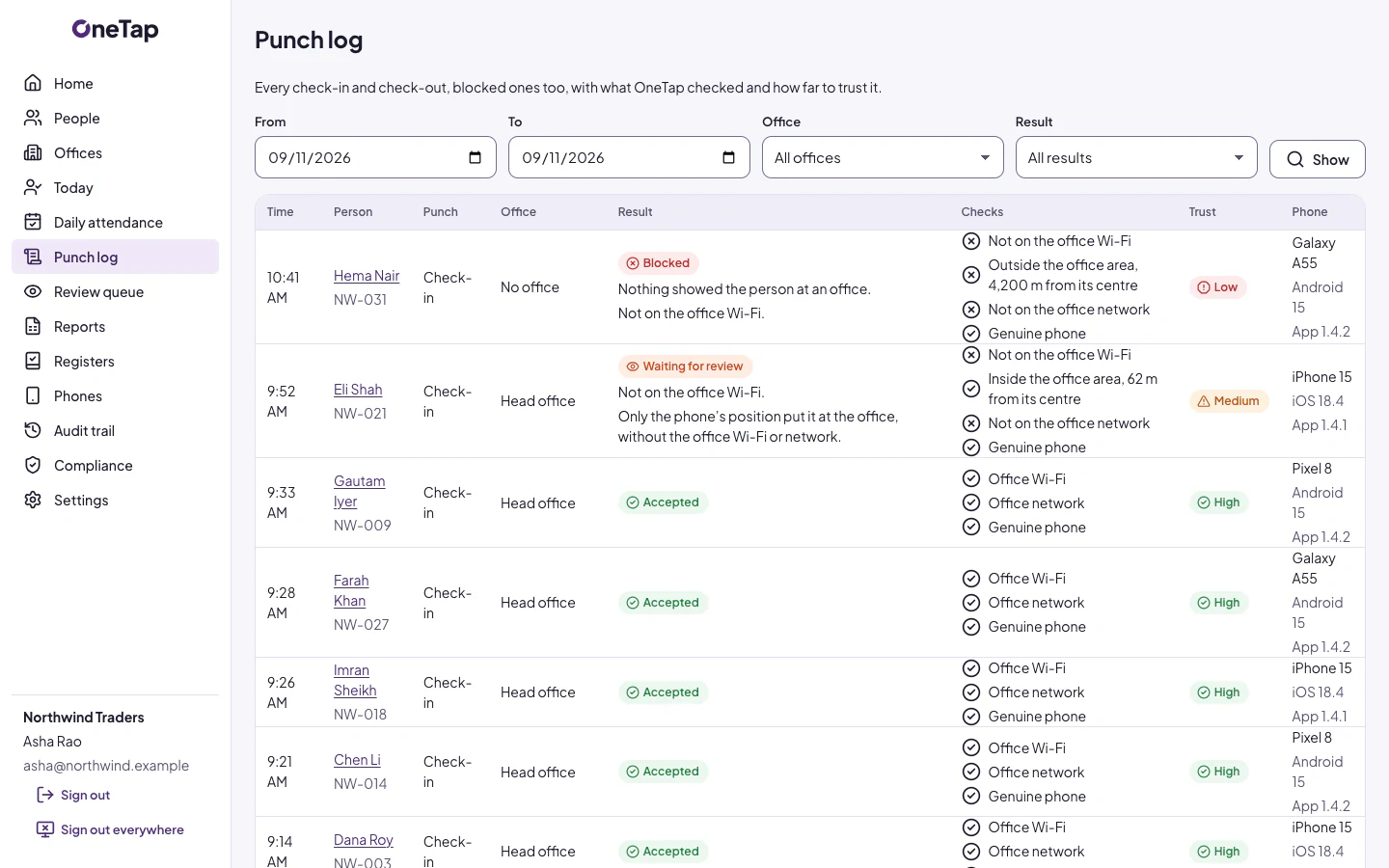
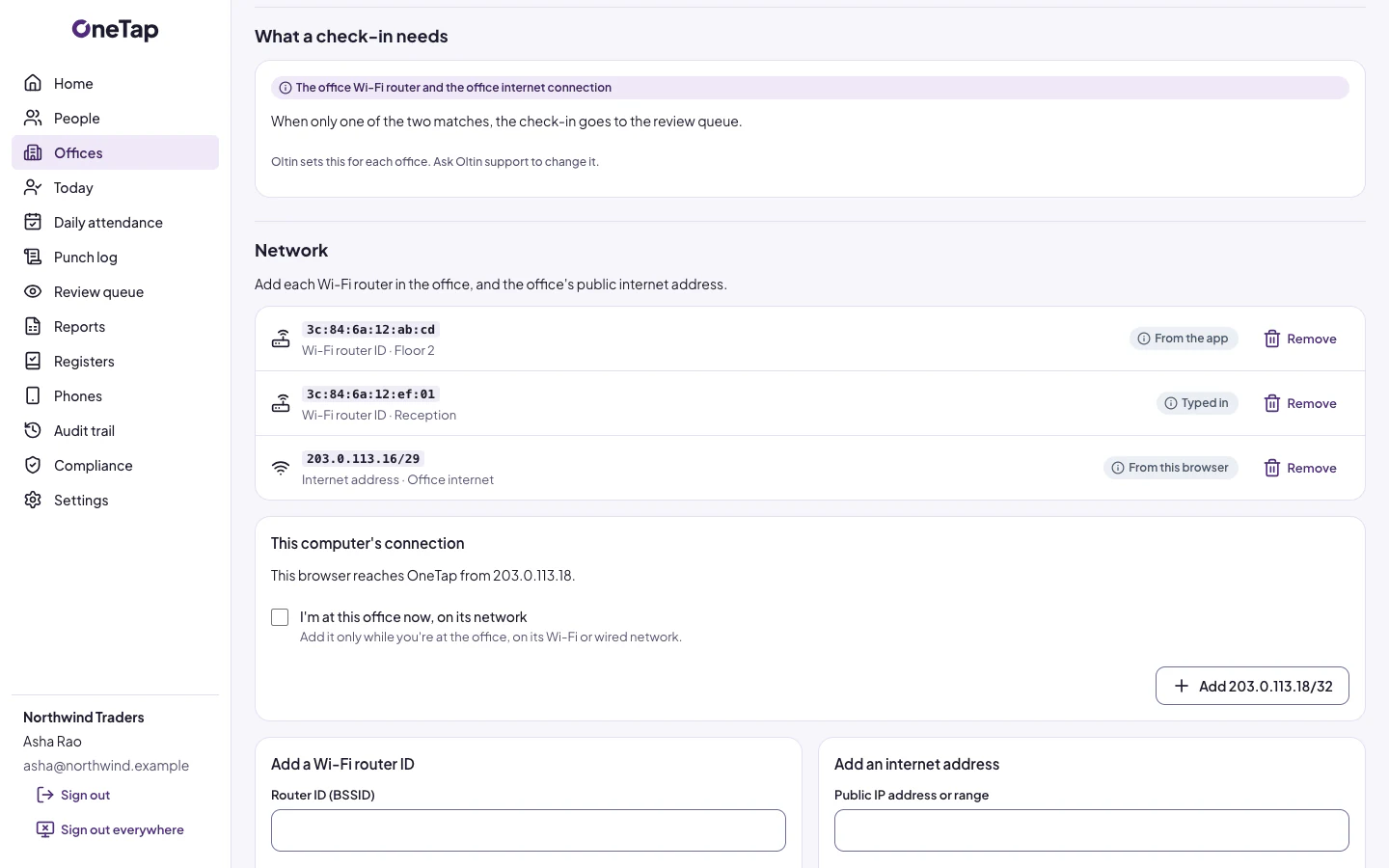
The phone is on the office's Wi-Fi router or internet address, or inside its area on the map, as each office chooses.
The right phone
Apple App Attest or Google Play Integrity shows it is a genuine app on the one phone linked to this person.
The right person
Face ID or a fingerprint unlocks a key held in the phone's secure hardware, for each check-in.
The right moment
The server's own time and a single-use challenge mean a check-in can't be replayed or back-dated.
What OneTap never does
Your people can read exactly what is kept about them, and what never is.
No location trail
OneTap keeps no location history and no coordinates of people.
No biometrics
Face ID and fingerprints stay on the phone, and OneTap receives only a signature.
No selling of data
OneTap doesn't sell data, use it for advertising or profile your people.
OneTap Admin, for your company
Everything your owners and admins need to run attendance, from the first office to the statutory register.
Set up
A setup wizard, offices and their networks, and which checks each office needs.
People
Invites by email, including from a file, Owner and Admin roles, and phone approvals.
Attendance
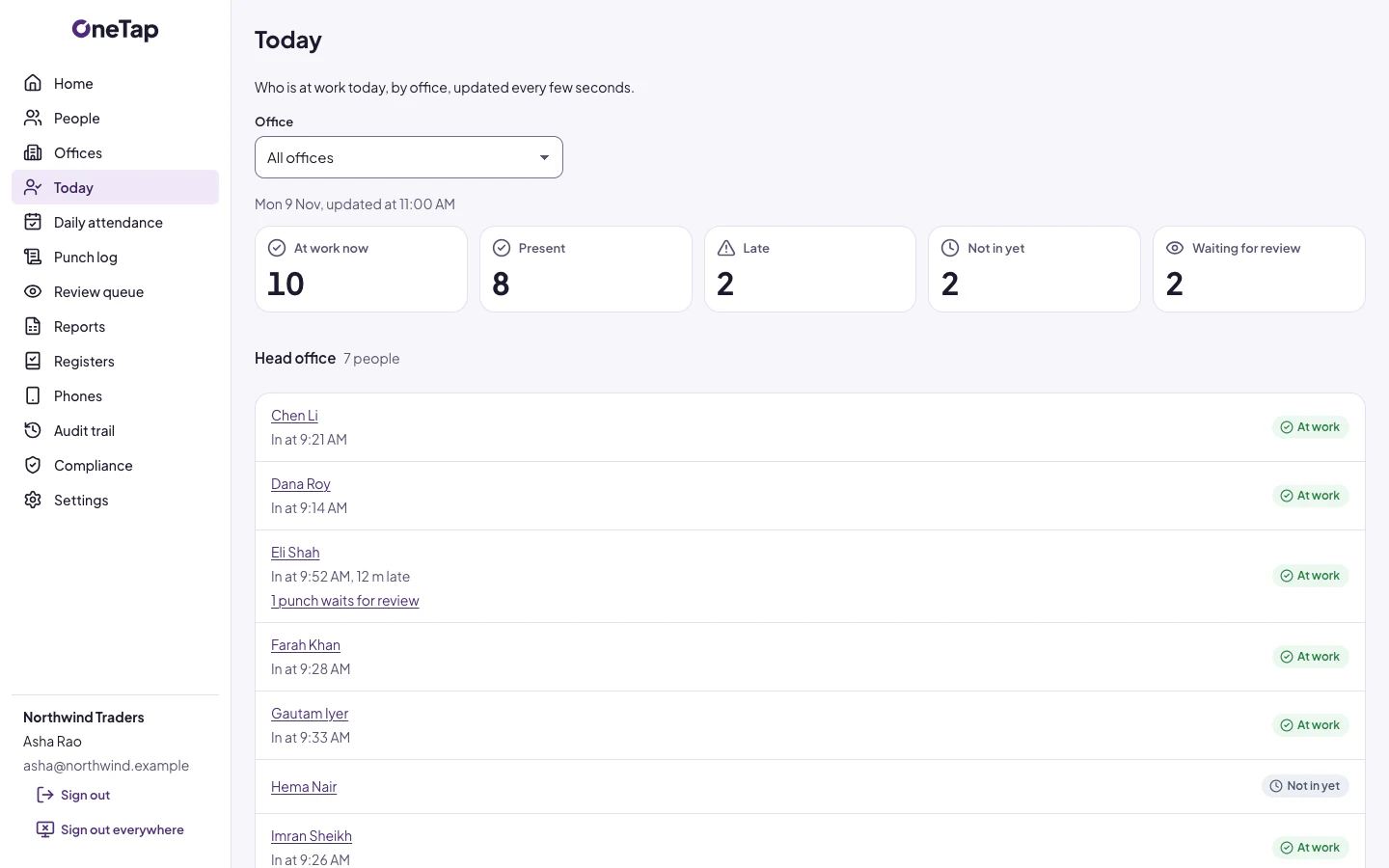
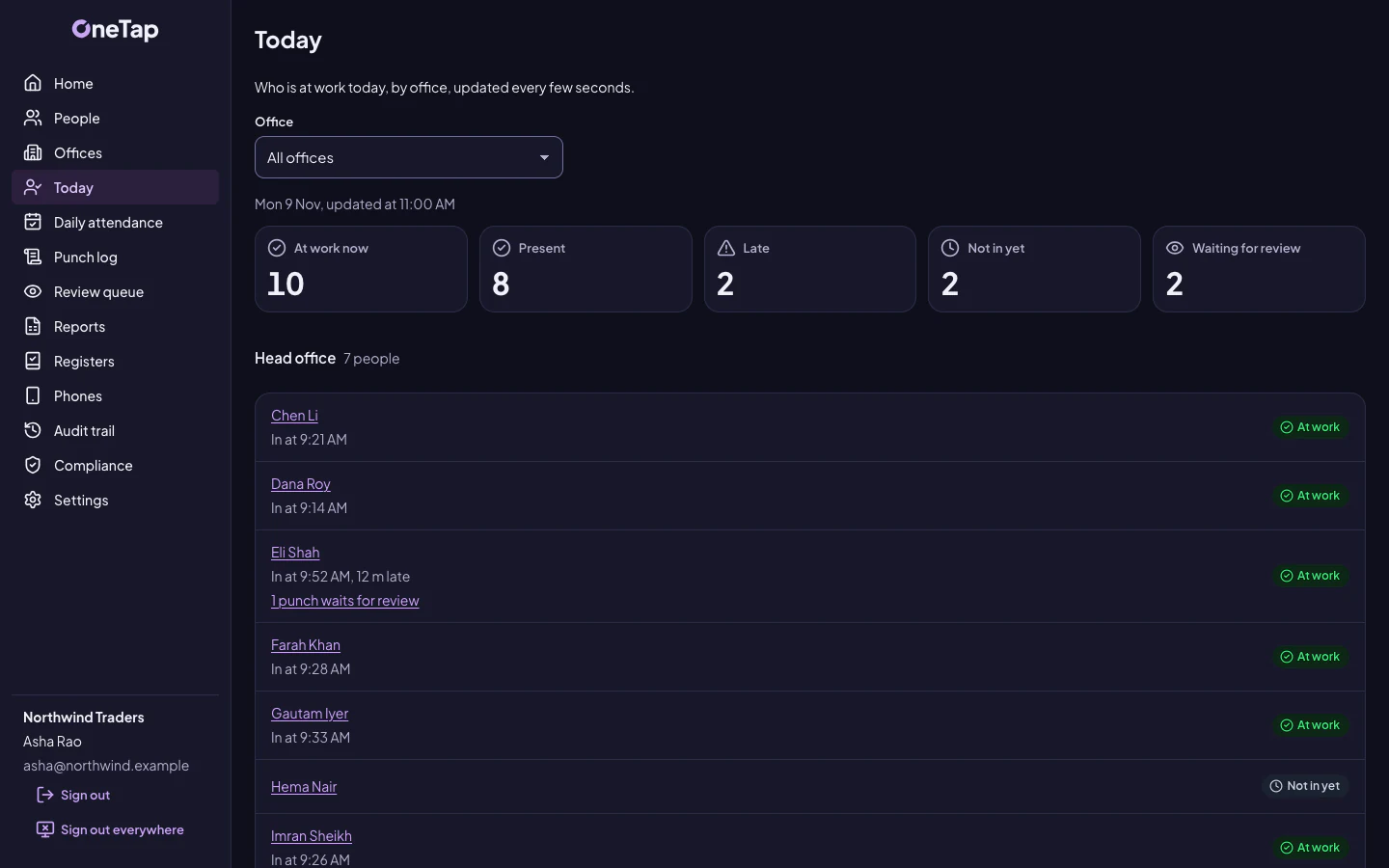
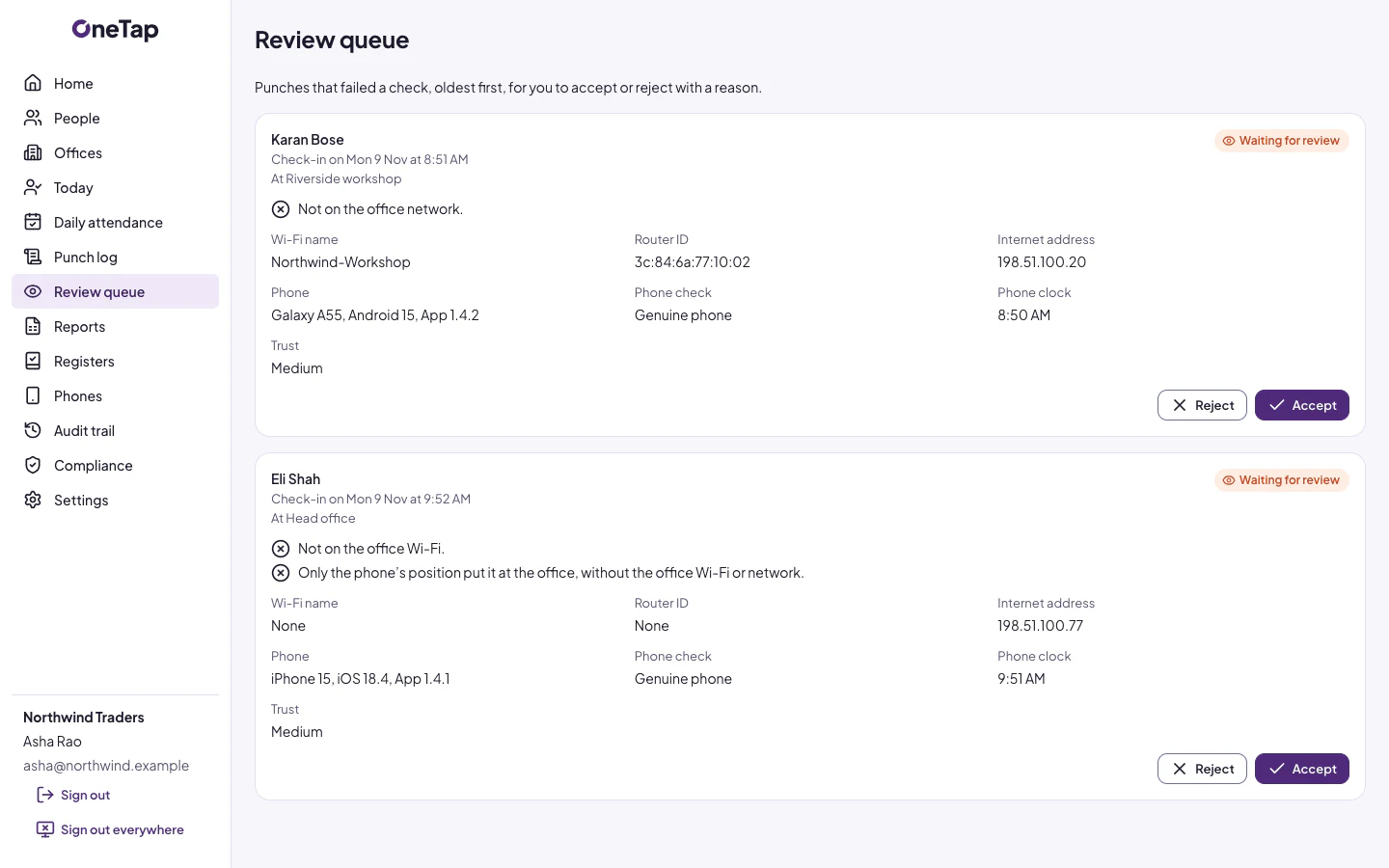
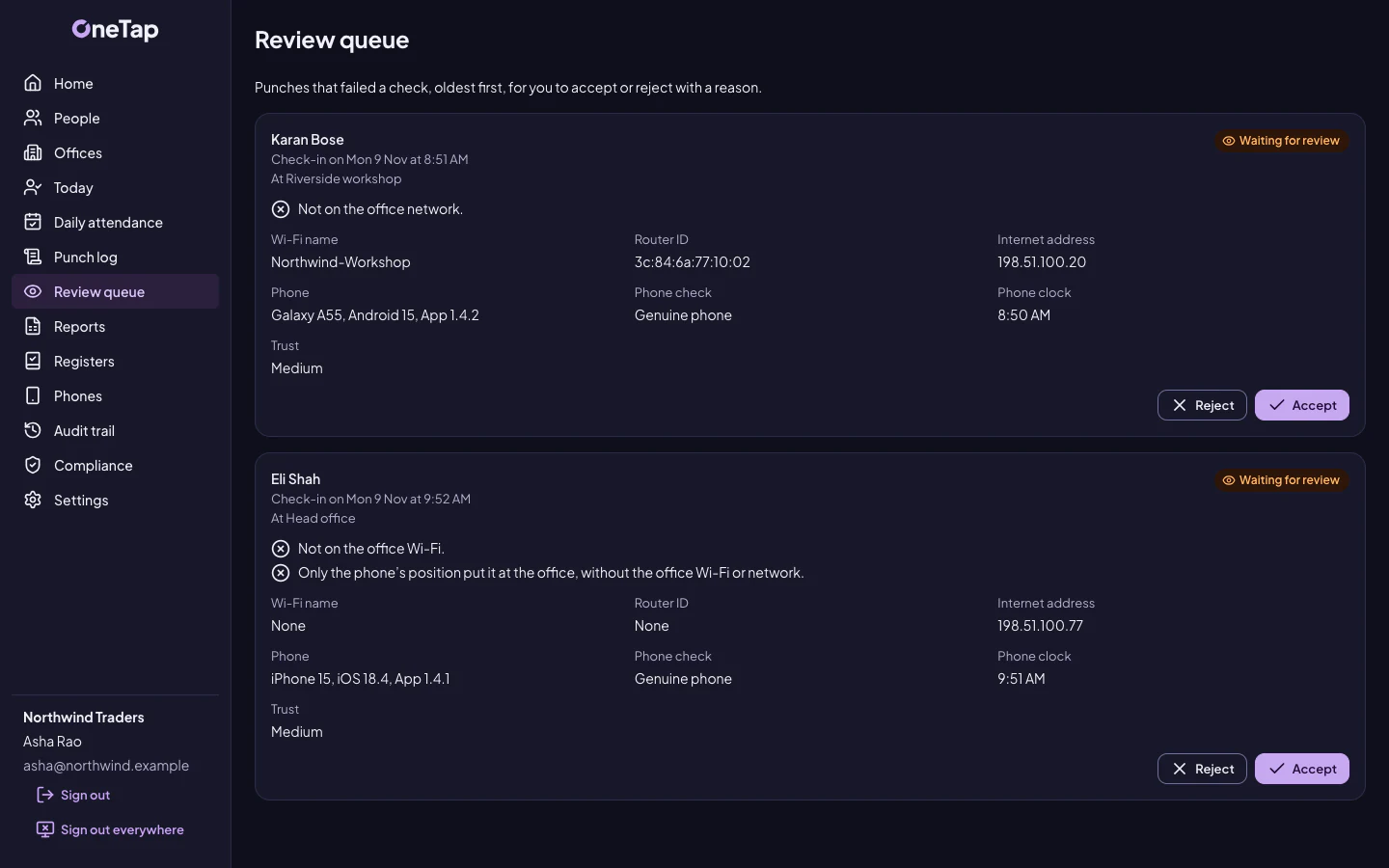
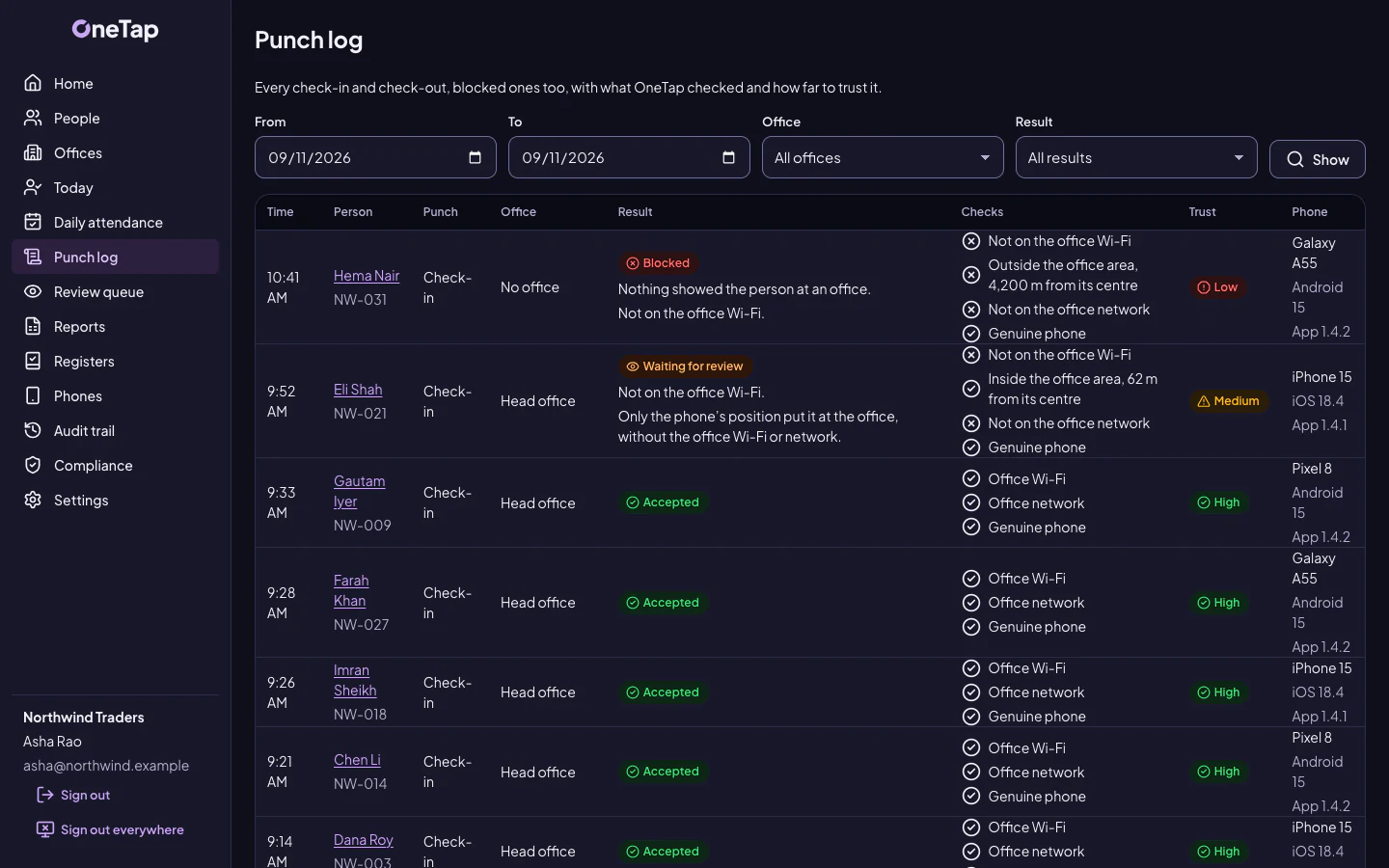
Today, who's in right now, and a review queue for doubtful check-ins and failed check-outs.
Reports
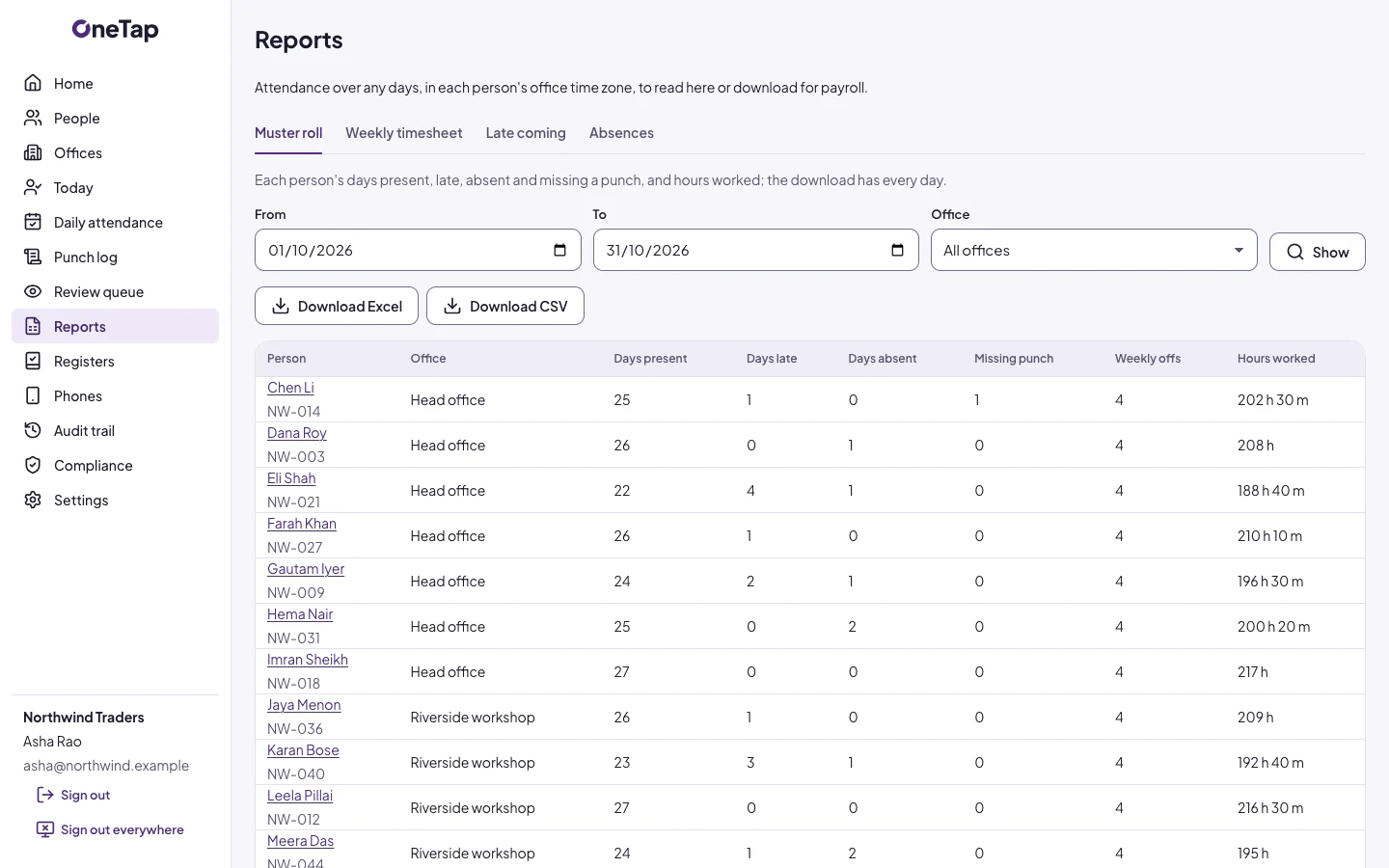
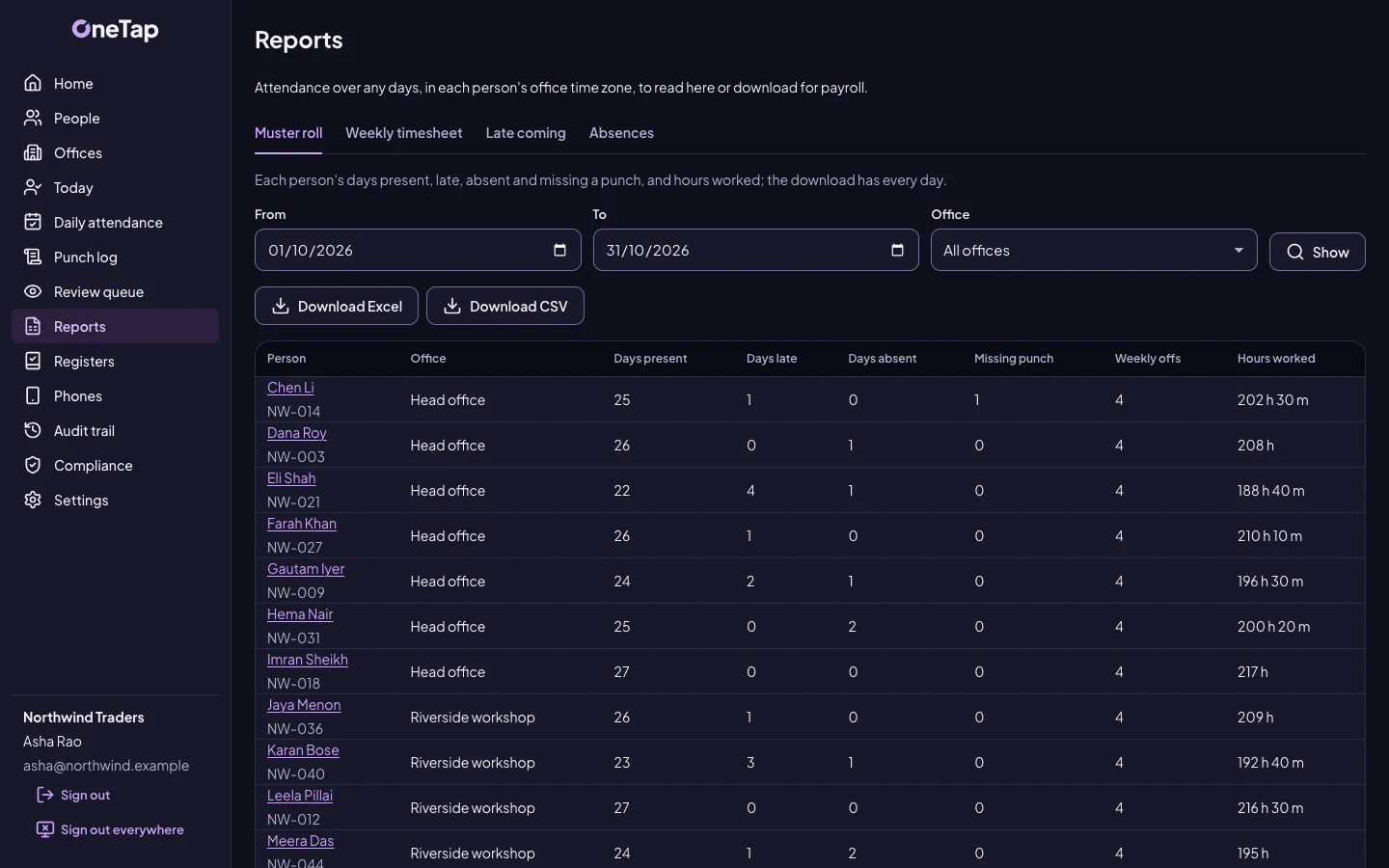
Timesheets, muster rolls and statutory registers, ready to export.
A record of every change
Any edit to attendance needs a reason, and stays in the audit trail.
One phone per person
A new phone needs an admin's approval, so a colleague's phone can't stand in for someone.
See OneTap
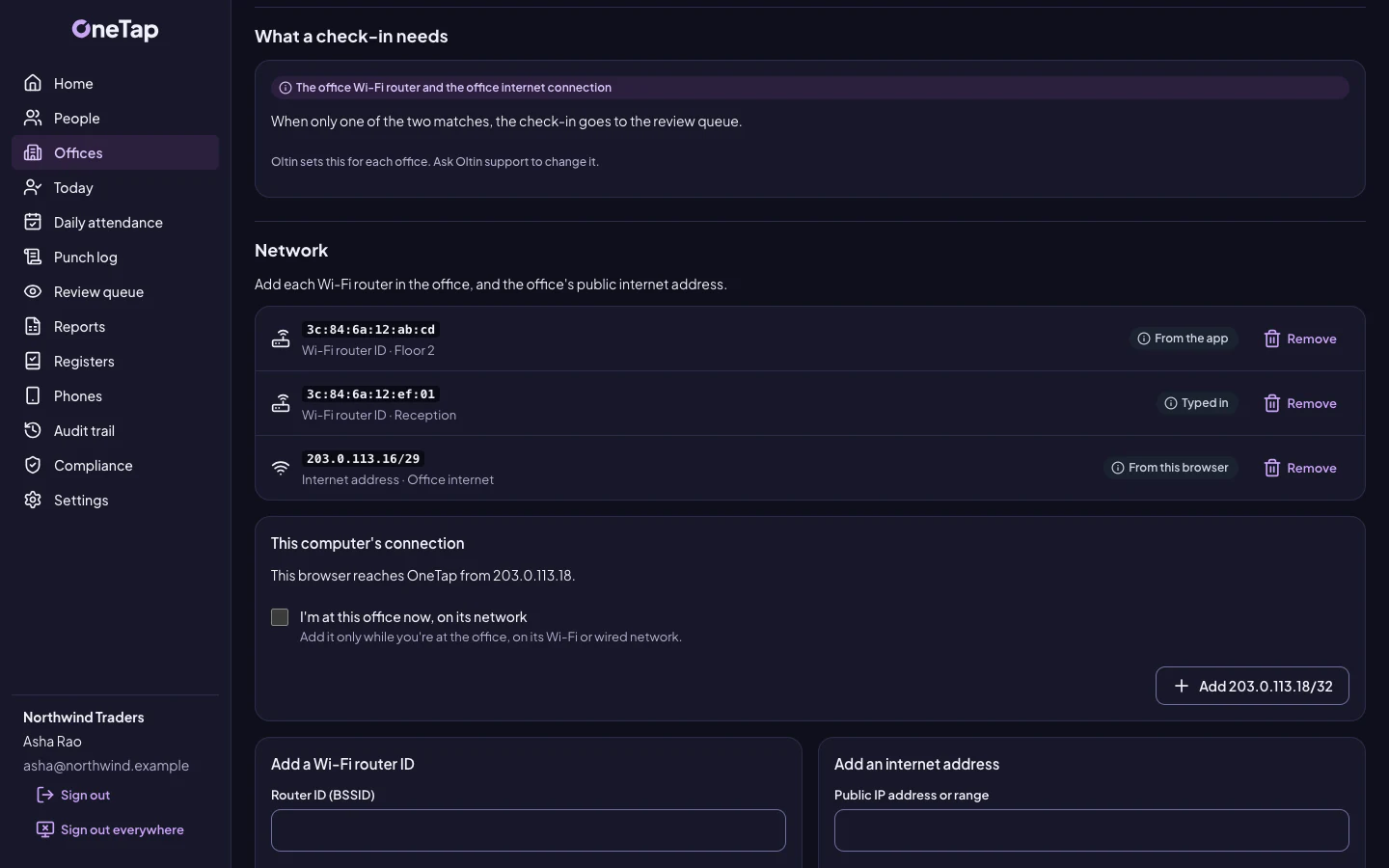
Screens with sample data. The people and companies in them are made up.
Go to OneTap
OneTap has its own site, with everything in more detail.
Want to know if OneTap fits?
Tell us a little about your team. A real person will reply and show you the parts that matter to you.
Not ready to talk? Get our articles by email.