
 Oltin Auth
Authenticator
Your codes, only yours.
An authenticator for iPhone and Android. Your two-factor codes sit in an end-to-end encrypted vault that only you can read, and you can always get them back, even if you lose your phone.
At a glance
For anyone who has ever been locked out after losing a phone.
- End-to-end encryption on by default, so our server never sees your codes
- Recovery set up when you start, so a lost phone is not a lost account
- Encrypted export, so you are always free to leave
- No phone number needed
Your codes, kept simply
The everyday part stays quick and hard to get wrong.
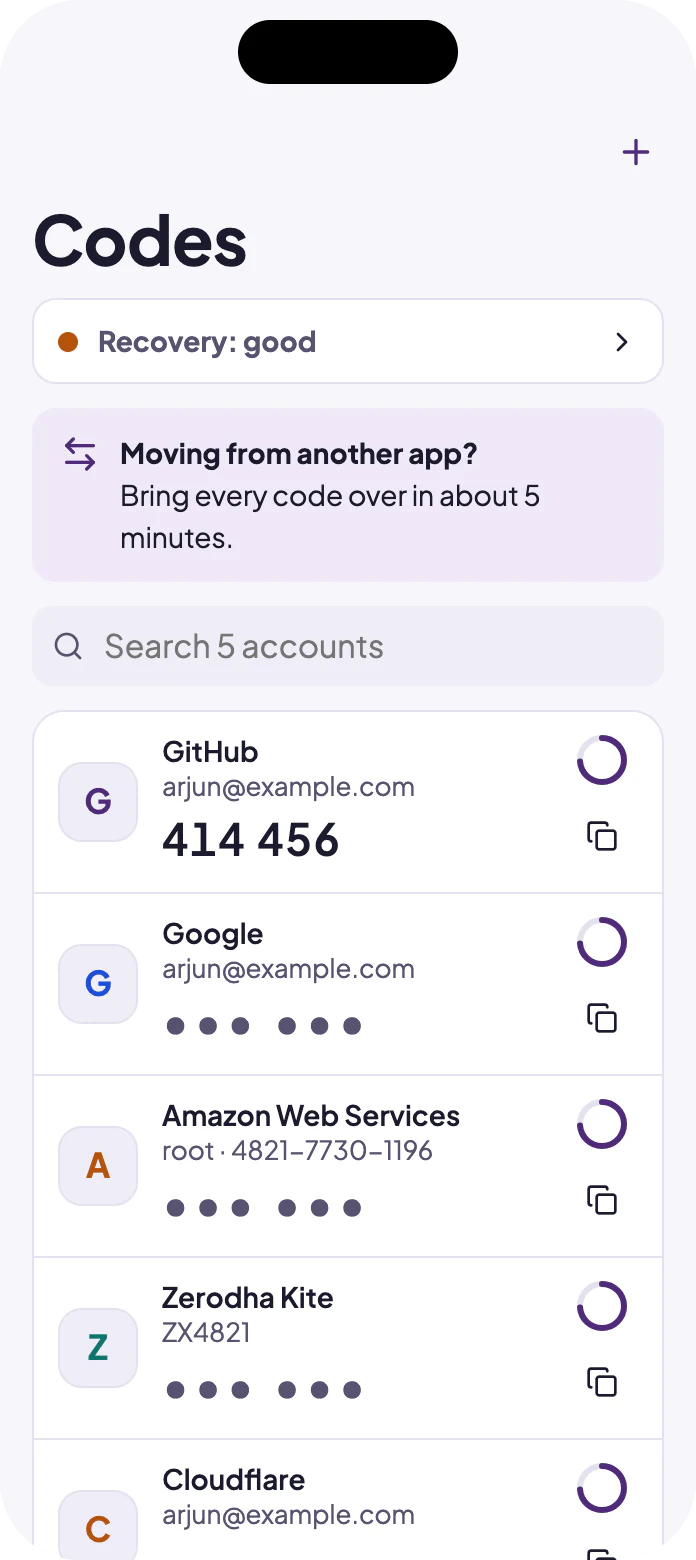
Hidden until you ask
Tap to reveal a code. Copied codes are cleared from the clipboard shortly after.
A countdown you can see
A ring shows how long a code has left, and the next code appears when time is short.
Nothing is overwritten
Adding an account that already exists asks what to do, instead of replacing it silently.
Deleting can be undone
Deleted accounts wait in Recently deleted, with an undo.
You can always get them back
Recovery is the most important part of an authenticator, so it comes first.
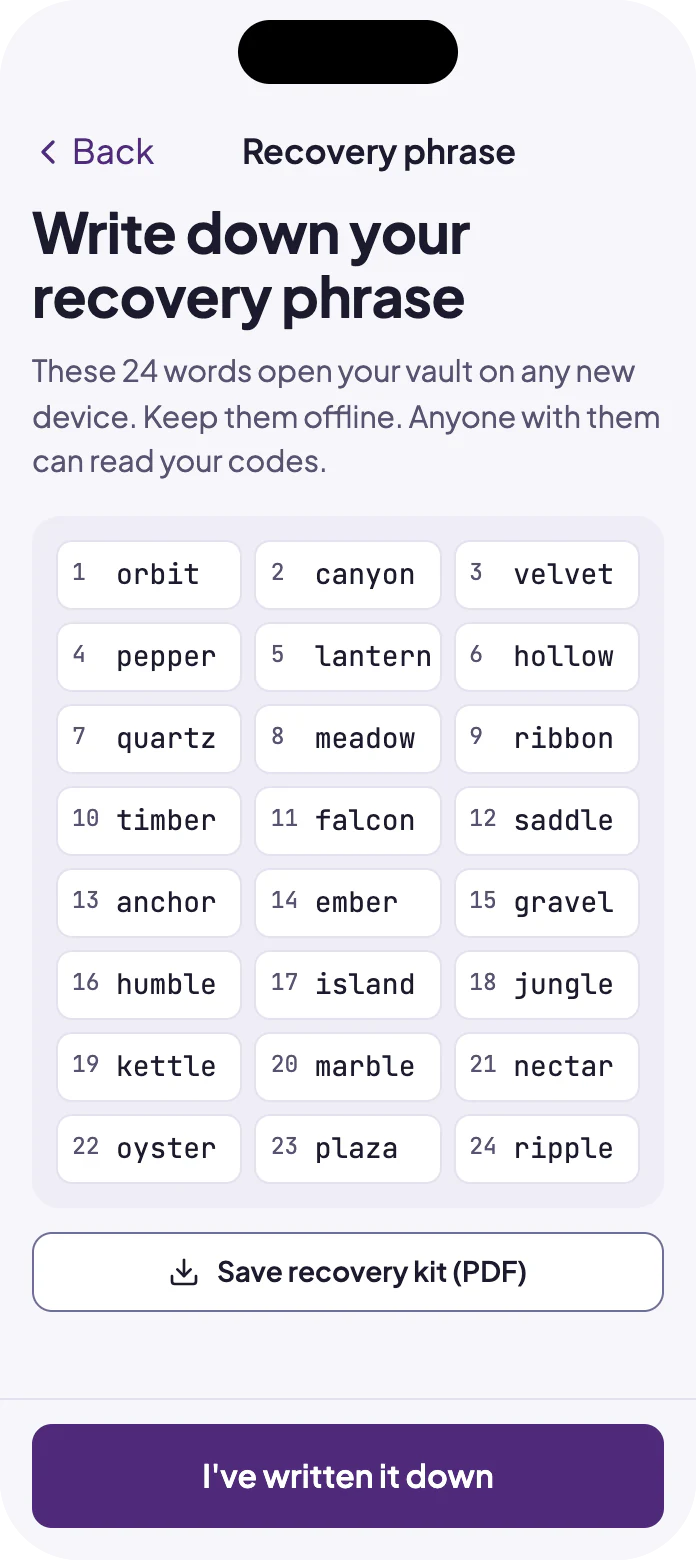
Set up from the start
Recovery is part of getting started, not a setting you find after the phone is gone.
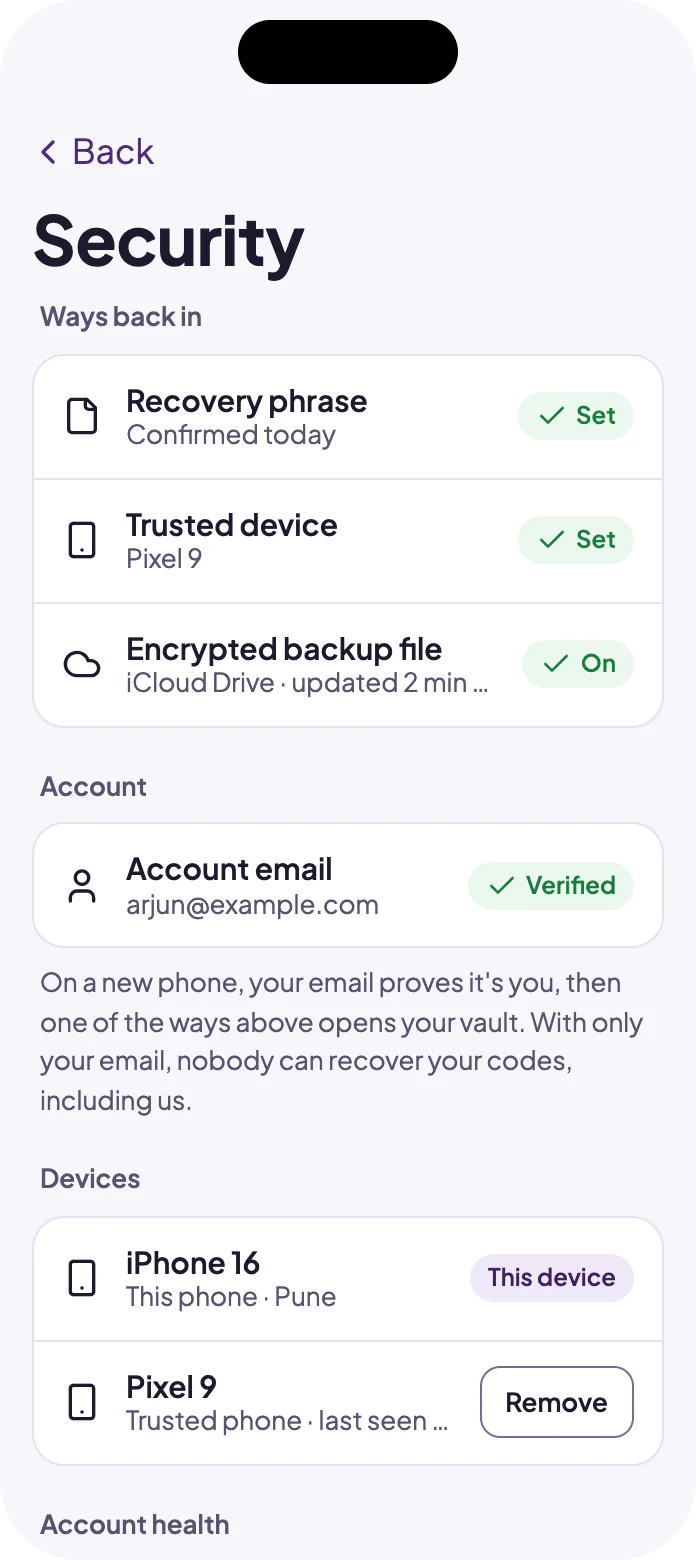
Your phrase or your other device
A verified email, plus your recovery phrase or a device you trust. Email alone never opens your vault.
New phones need approval
A new device gets no codes until something you already hold approves it.
Private, and free to leave
Your codes are yours, encrypted so only you can read them.
End-to-end encrypted
The server holds only encrypted data. It never sees your codes or the names of your accounts.
No phone number
A code generator should not need your number. Email is only needed for sync and recovery.
Encrypted export
Take your codes with you at any time.
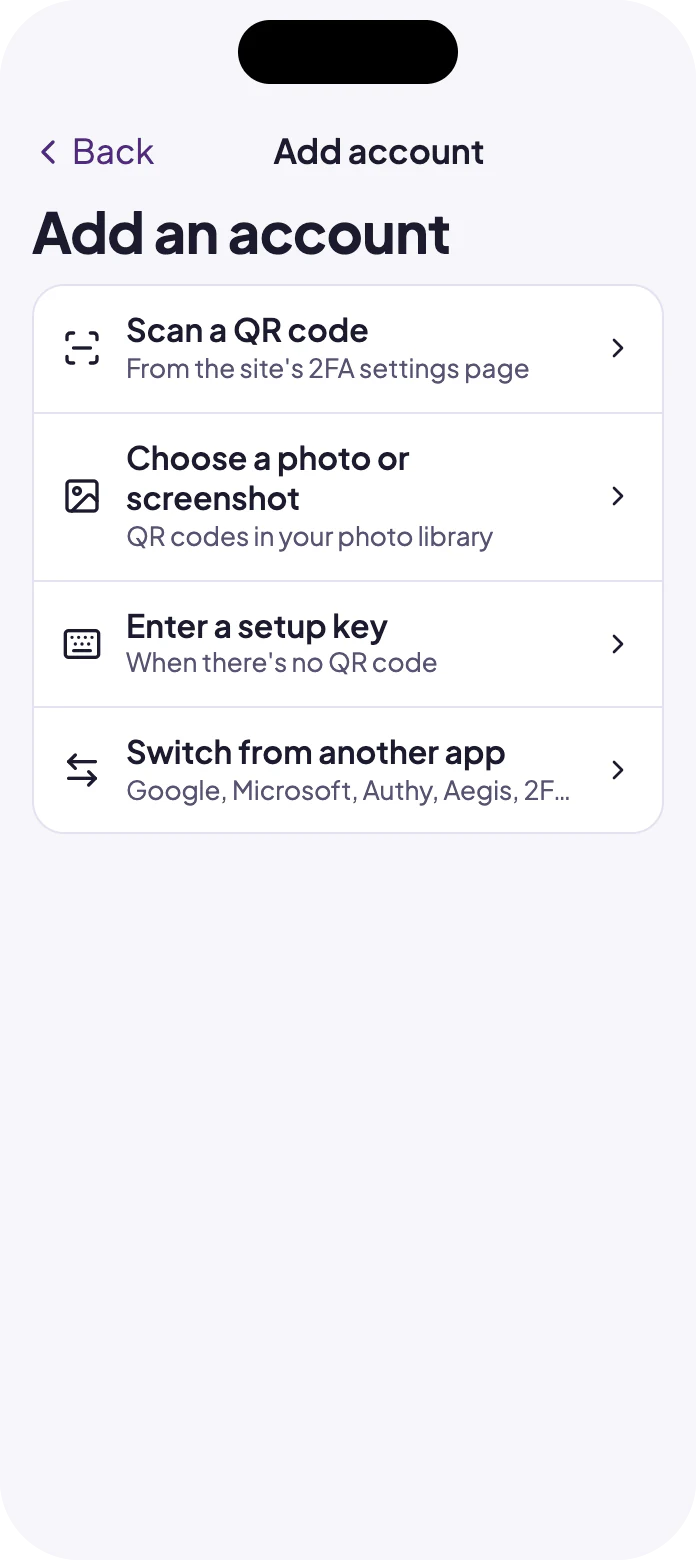
Move in easily
Bring your accounts over from the app you use today.
Planned
Approving sign-ins from your phone, and passkeys, follow the first release.
Tested independently
An outside firm tests the apps and the service before each launch.
See Oltin Auth
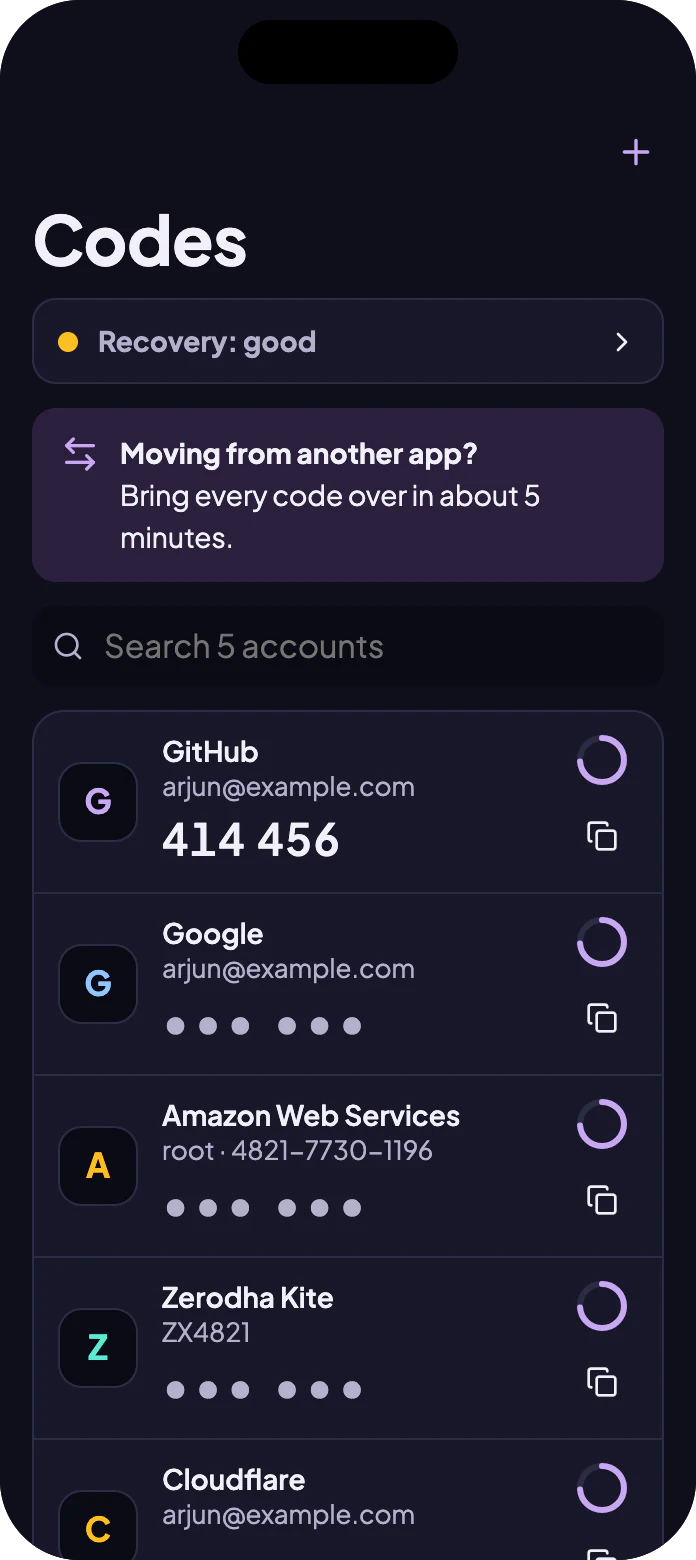
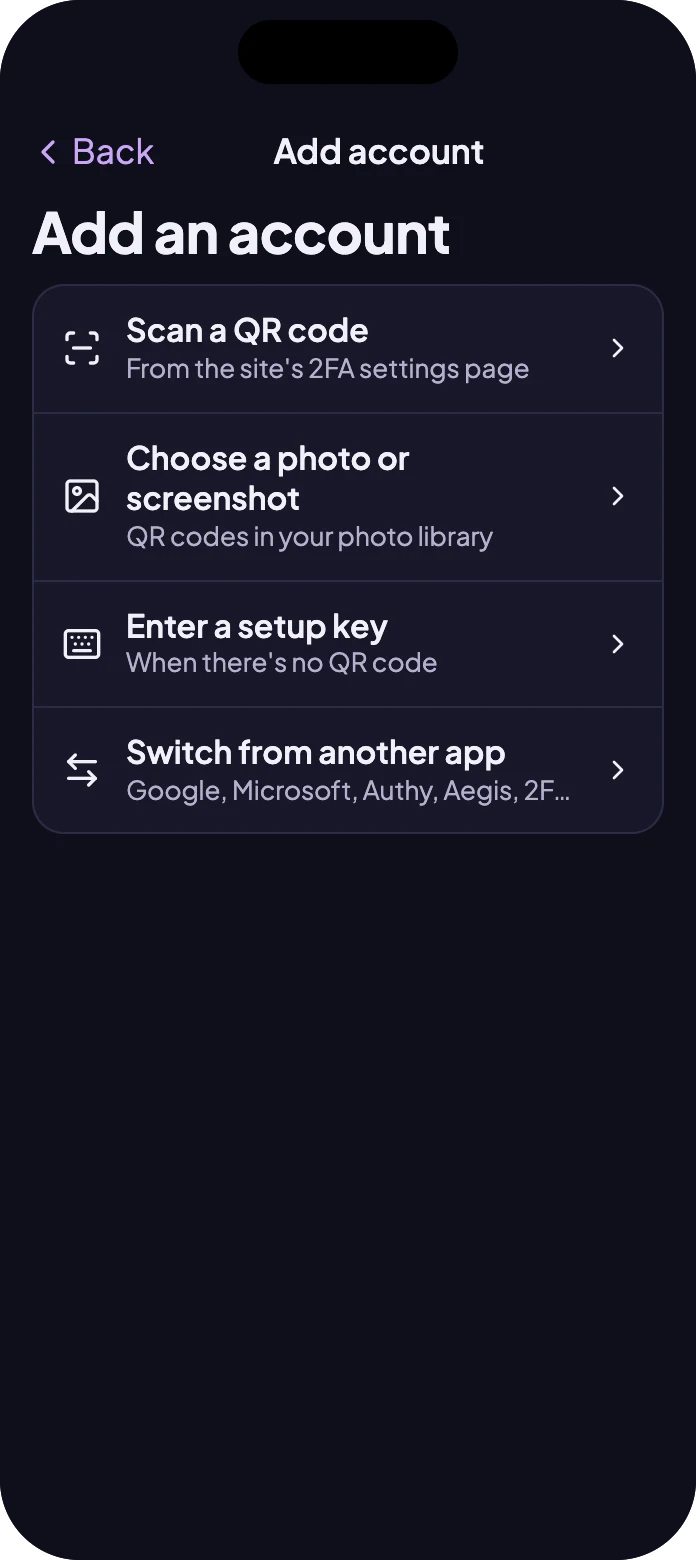
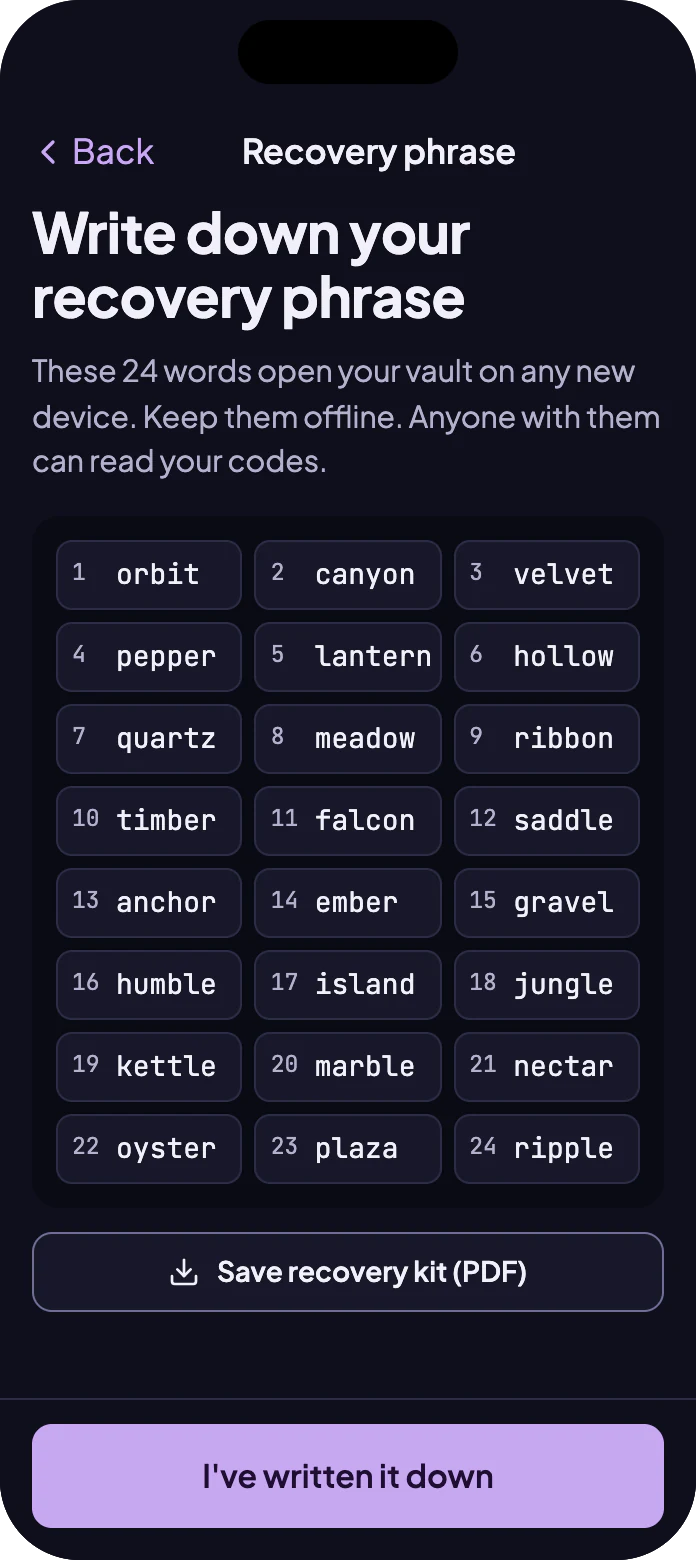
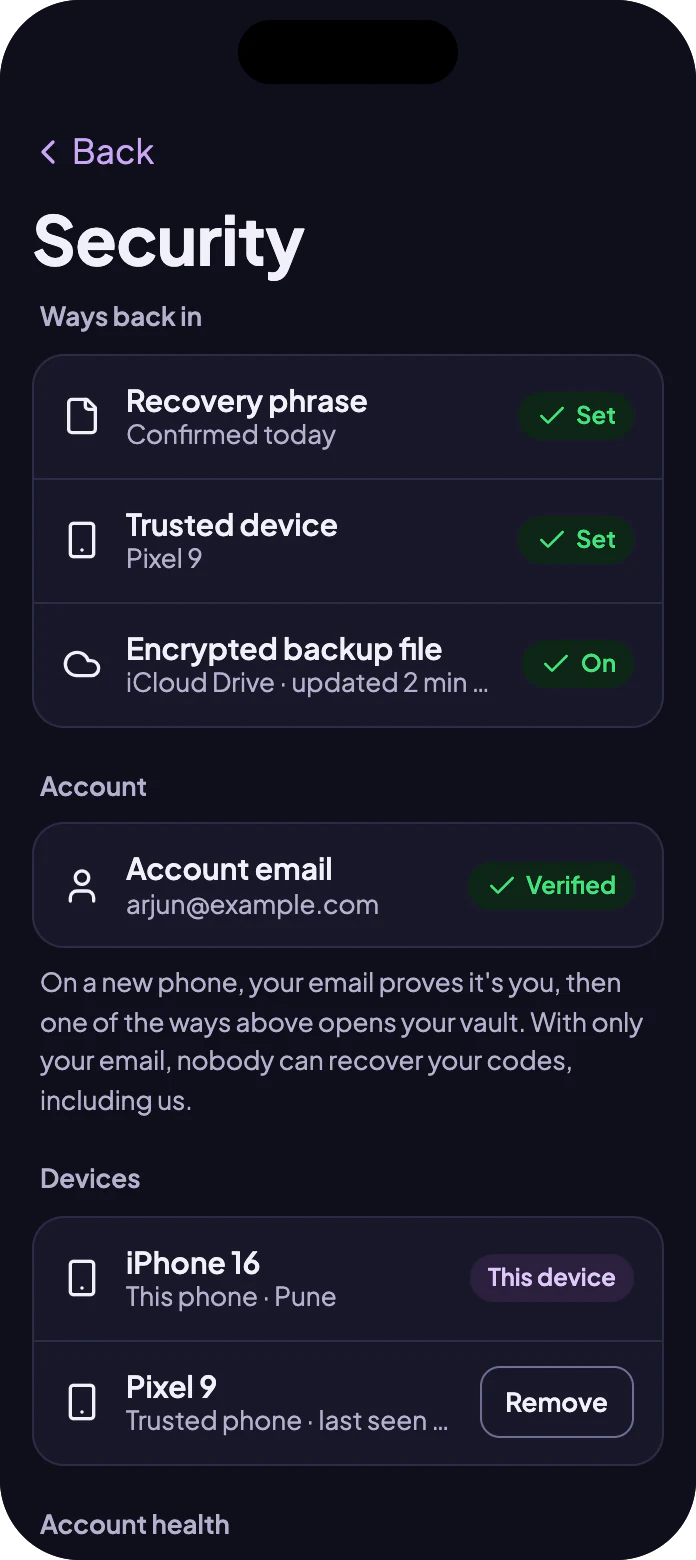
These are illustrations of Oltin Auth with sample data, and may change before release.
Go to Oltin Auth
Oltin Auth isn't out yet. Ask us about it and we'll tell you where it stands.
Want to know if Oltin Auth fits?
Tell us a little about your team. A real person will reply and show you the parts that matter to you.
Not ready to talk? Get our articles by email.