

Sign-in and access
One sign-in for every application.
OneiD signs your users in and tells your applications who they are, with second factors, roles and an audit log. You connect each application once, and it can be hosted by OneiD or run in your own environment.
At a glance
For teams who build applications and want sign-in done properly, once.
- Second factors, lockout, rate limits and an audit log of every sign-in, without extra setup
- Keep users in OneiD, in Active Directory or LDAP, or at a provider such as Okta
- Only the safe flows on offer: code with PKCE for apps, client credentials for services
- Tested with the OpenID conformance suite
Everything between your users and your applications
Sign-in pages, second factors, sessions, roles and the record of who signed in are the same for every application you connect.
Single sign-on
A user signs in once and reaches every connected application.
Second factors
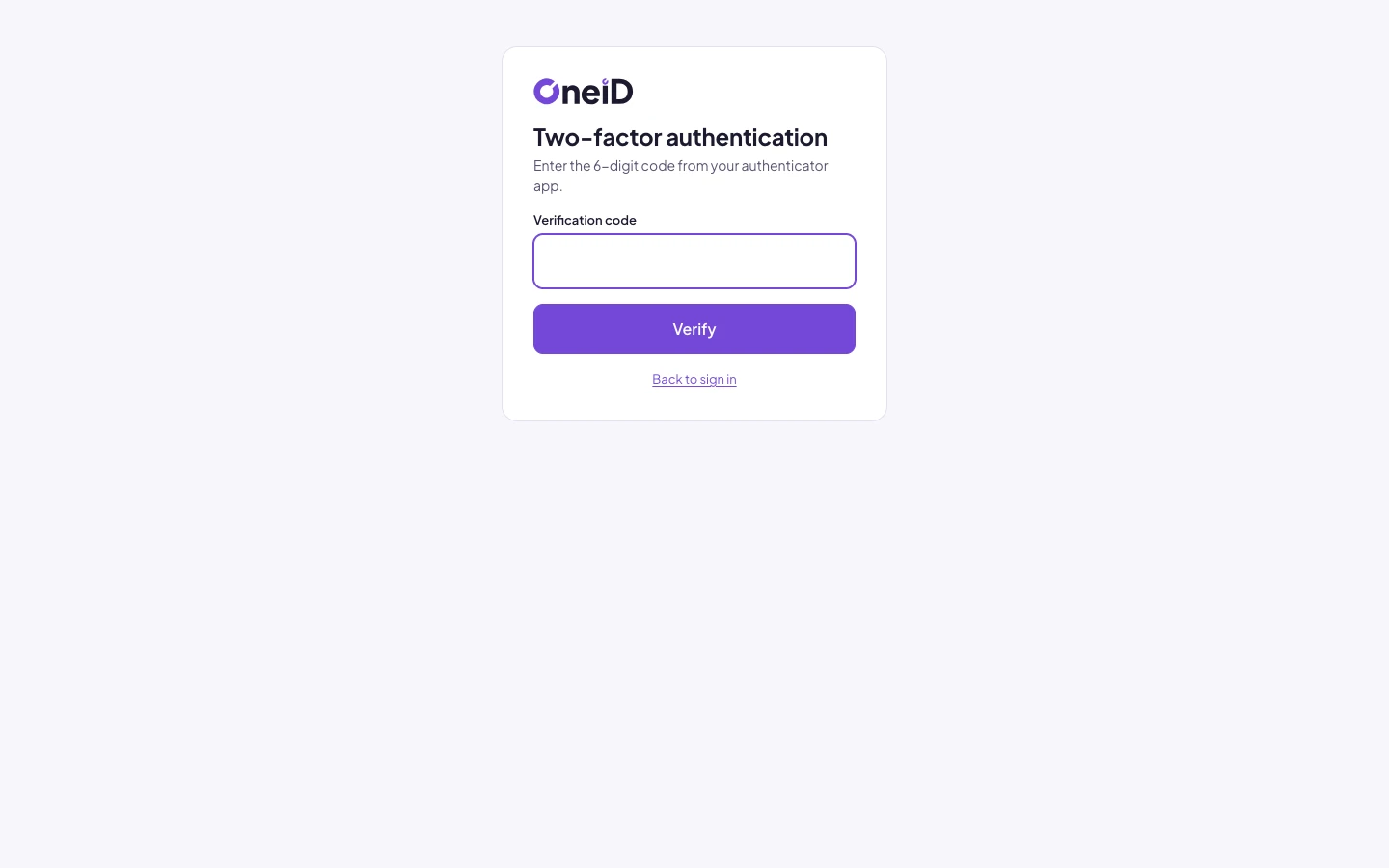
Authenticator-app codes with enrolment by QR code. Optional, or mandatory for everyone or for chosen users.
Roles
Assign roles in OneiD or map them from directory groups. Applications read them from the token.
Sessions and sign-out
Applications can sign the user out of OneiD, and administrators can revoke a user’s tokens at any time.
Audit log
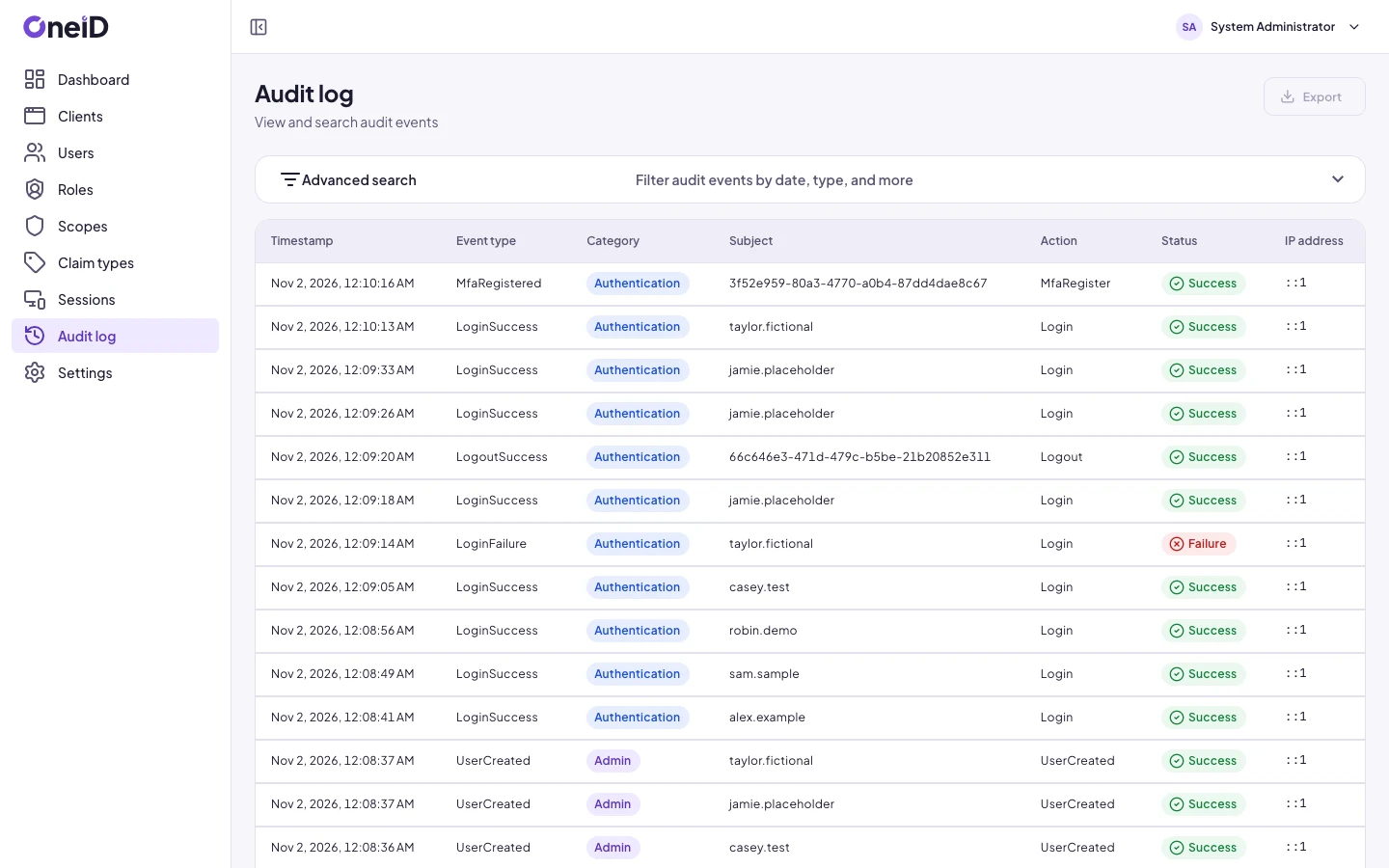
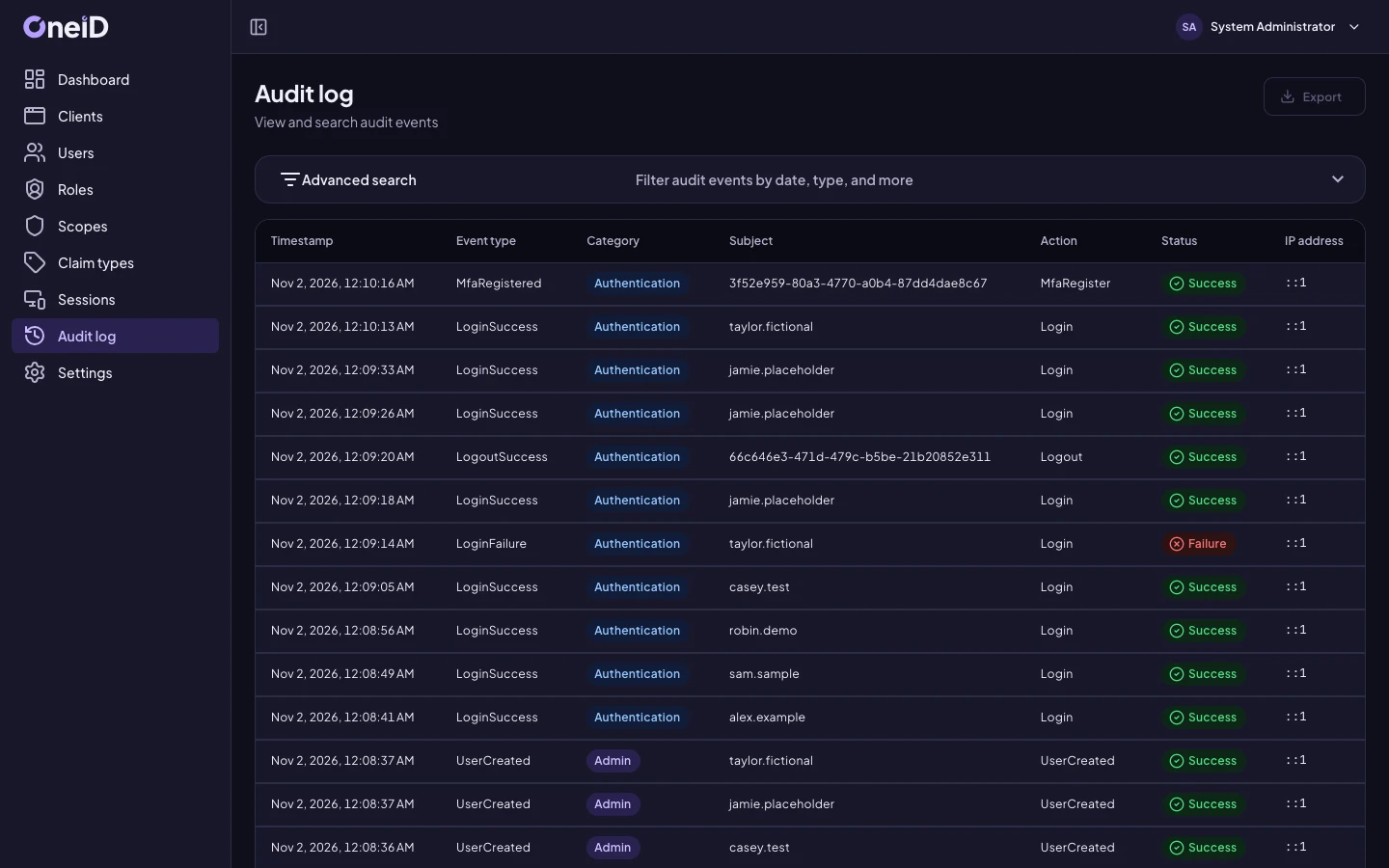
Sign-ins, failed attempts, password changes, client changes and key rotations are recorded with time and address.
Signing keys
Stored encrypted and rotated from the console. A new key is published before it is used, so nothing breaks.
One console for applications, users and keys
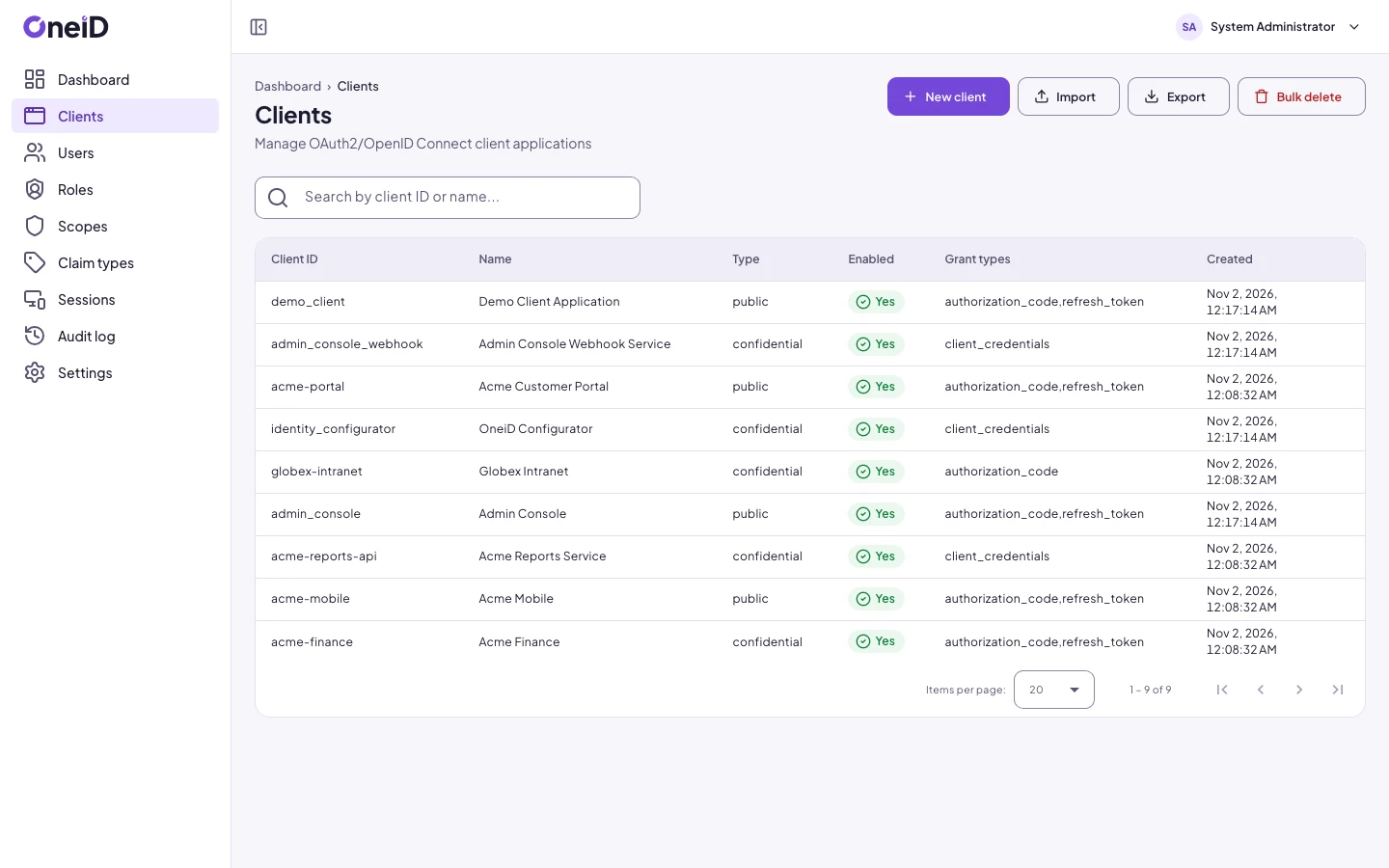
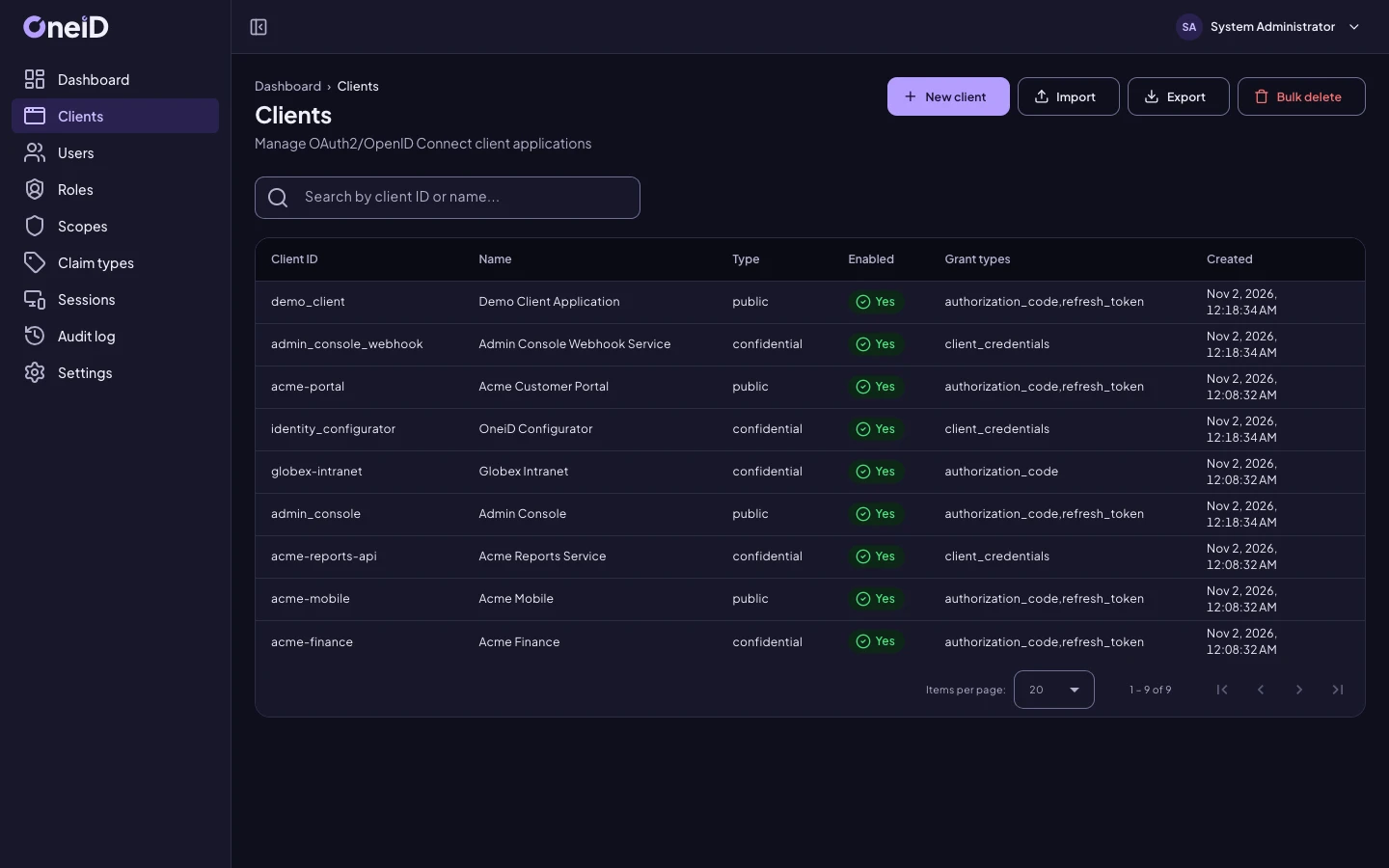
Administrators work in a web console, and every action there is also available through the Admin API, under the same roles.
Applications
Register clients, their redirect addresses, scopes and token lifetimes. Generate, replace or disable a secret.
Users
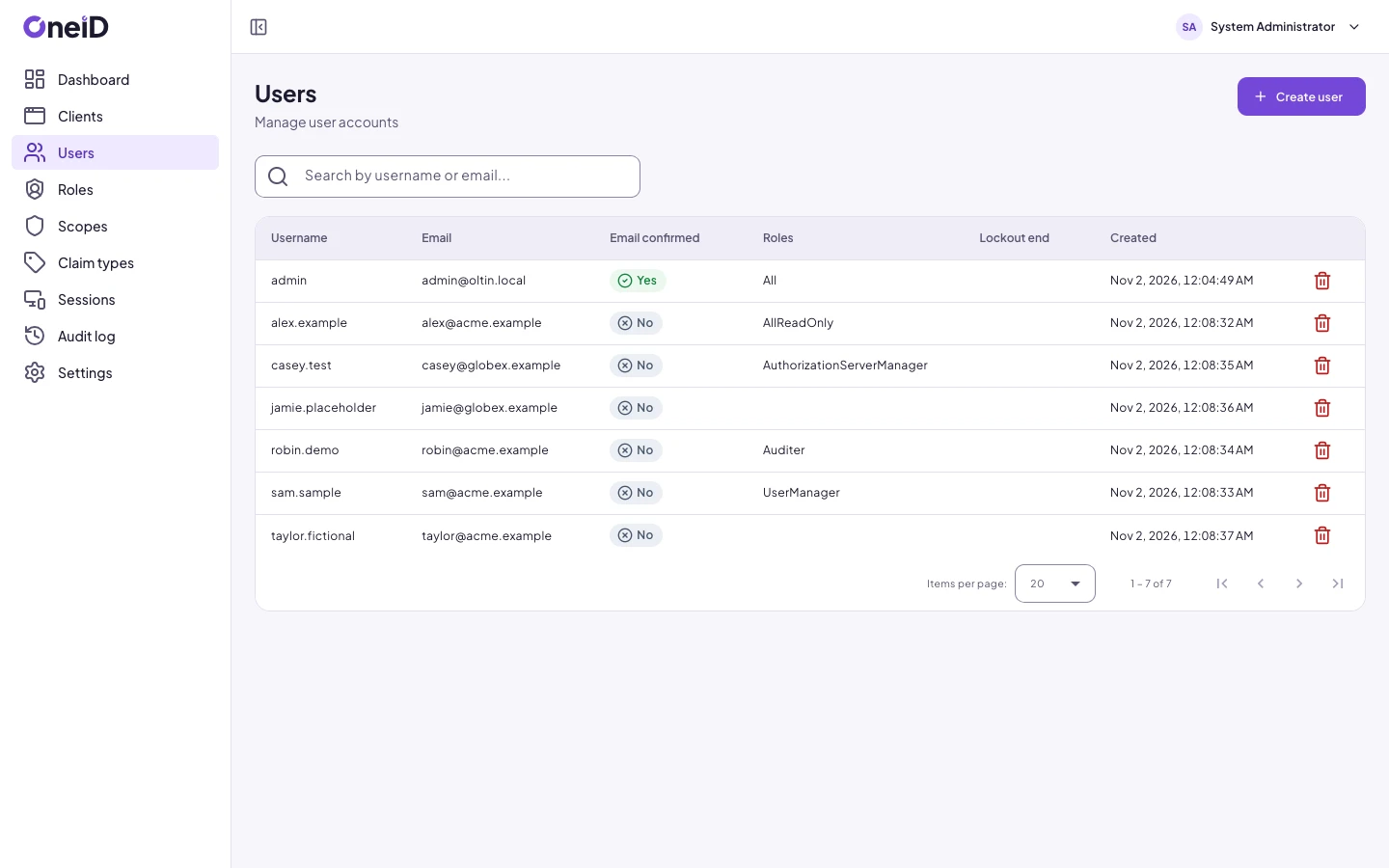
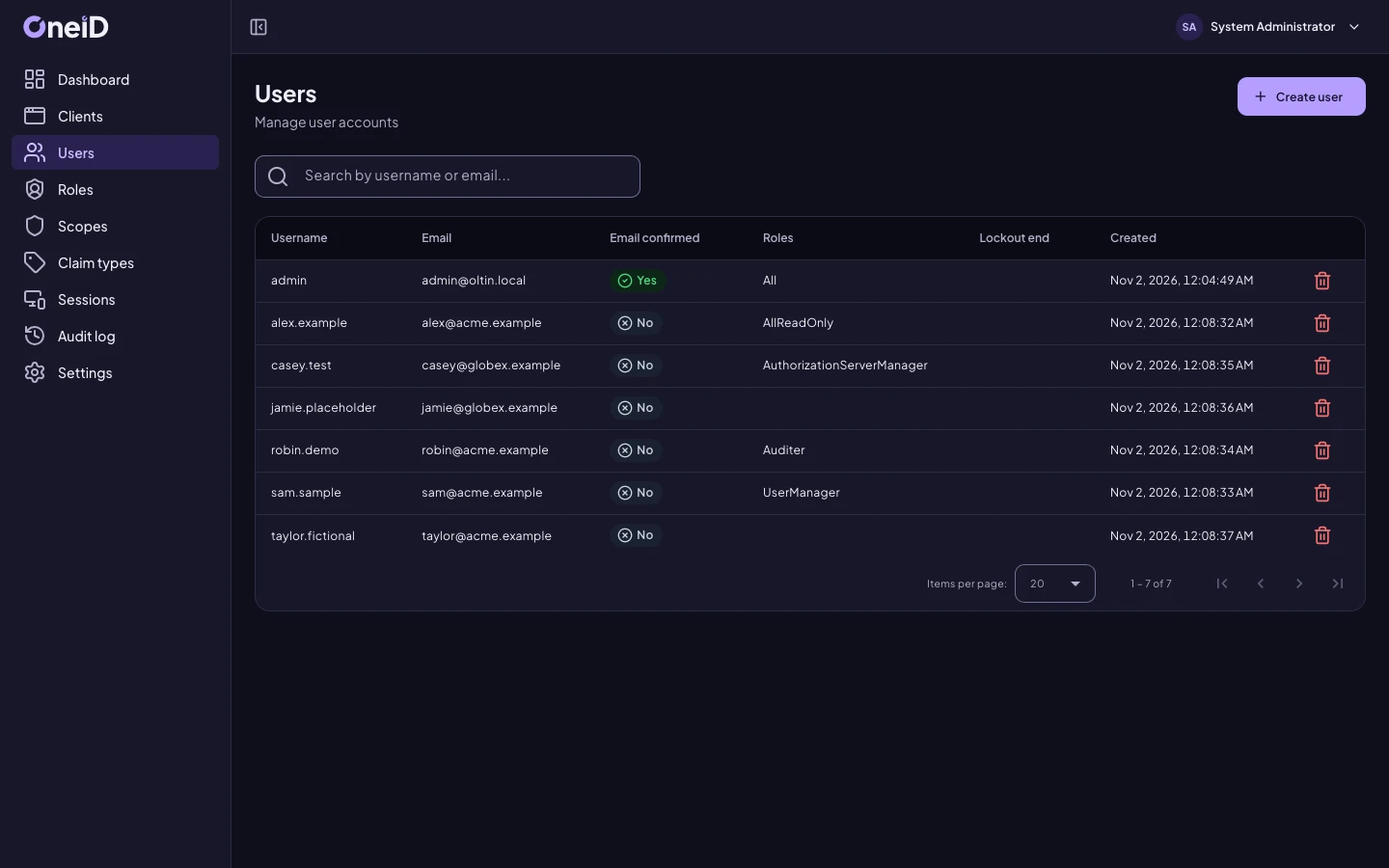
Create users, assign roles, unlock accounts, reset the second factor or require a password change.
Administrators get only what they need
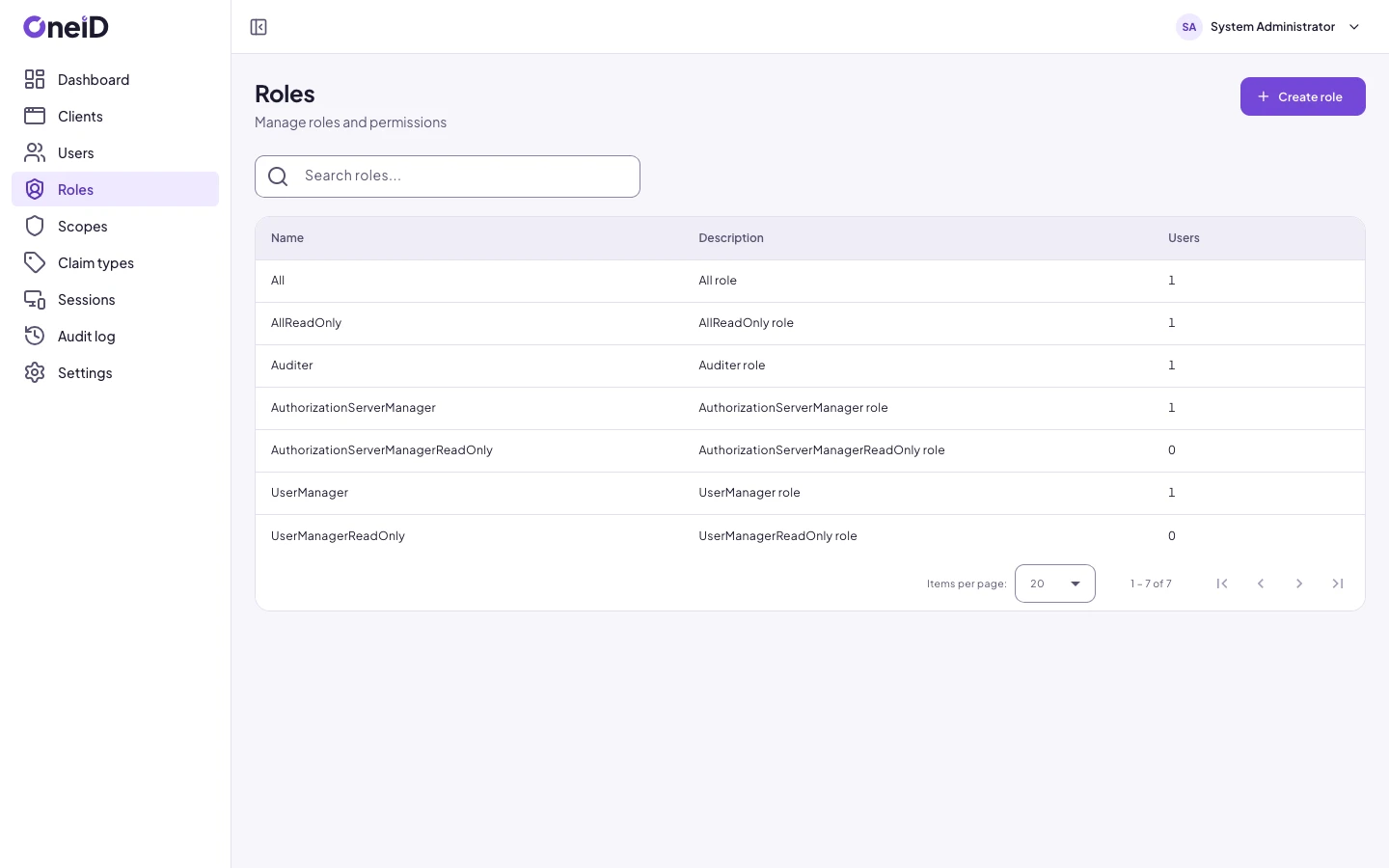
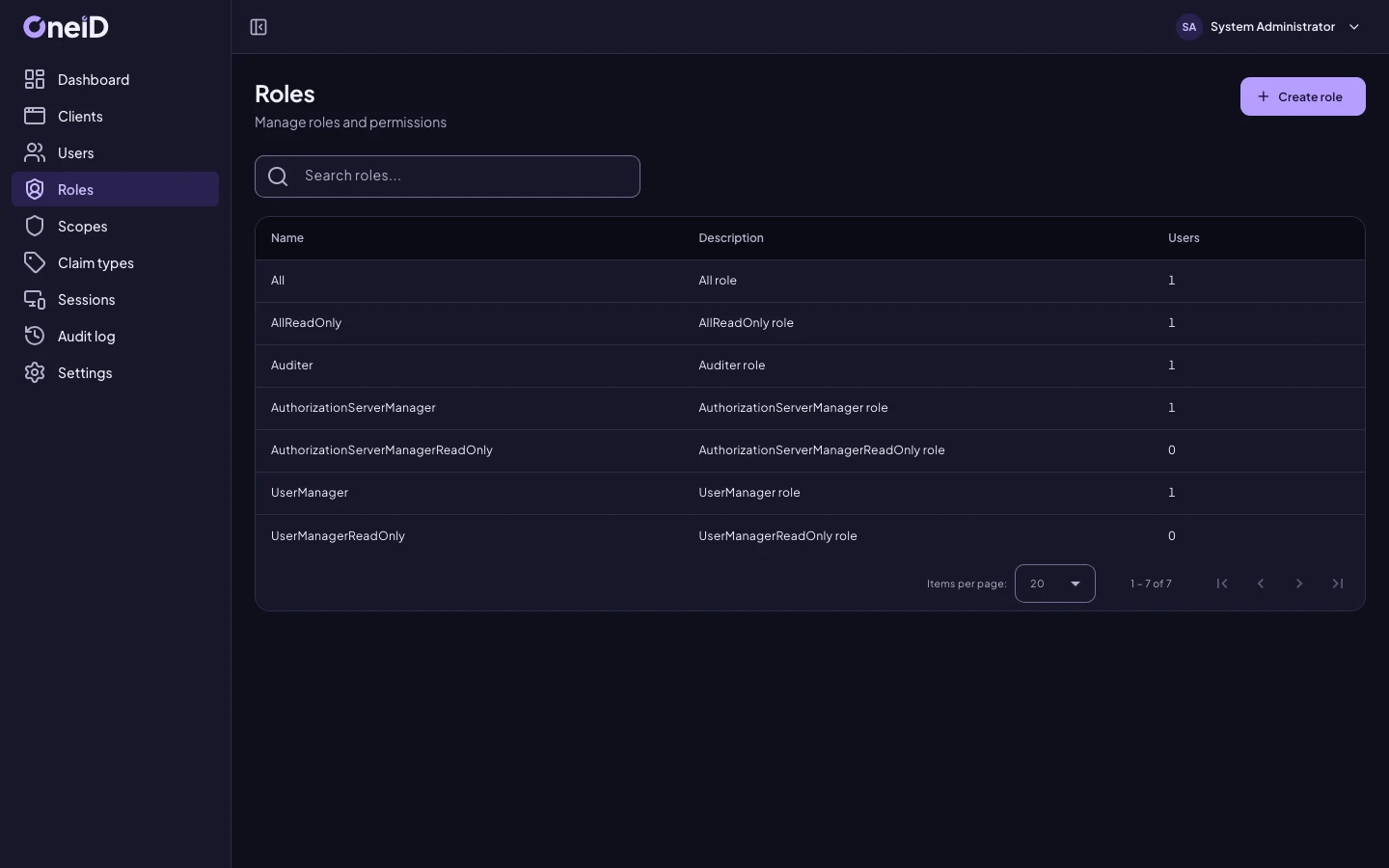
Built-in roles separate who manages applications, who manages users and who only reads.
Use the accounts you already have
Your applications always talk to OneiD and always receive the same kind of token, wherever the accounts live.
OneiD accounts
For when you have no directory, or want OneiD to be the directory.
Active Directory and LDAP
OneiD checks the password against the directory and never stores it. Groups become roles.
Okta and other providers
OneiD sends the user to your OpenID Connect provider, and its multi-factor rules still apply.
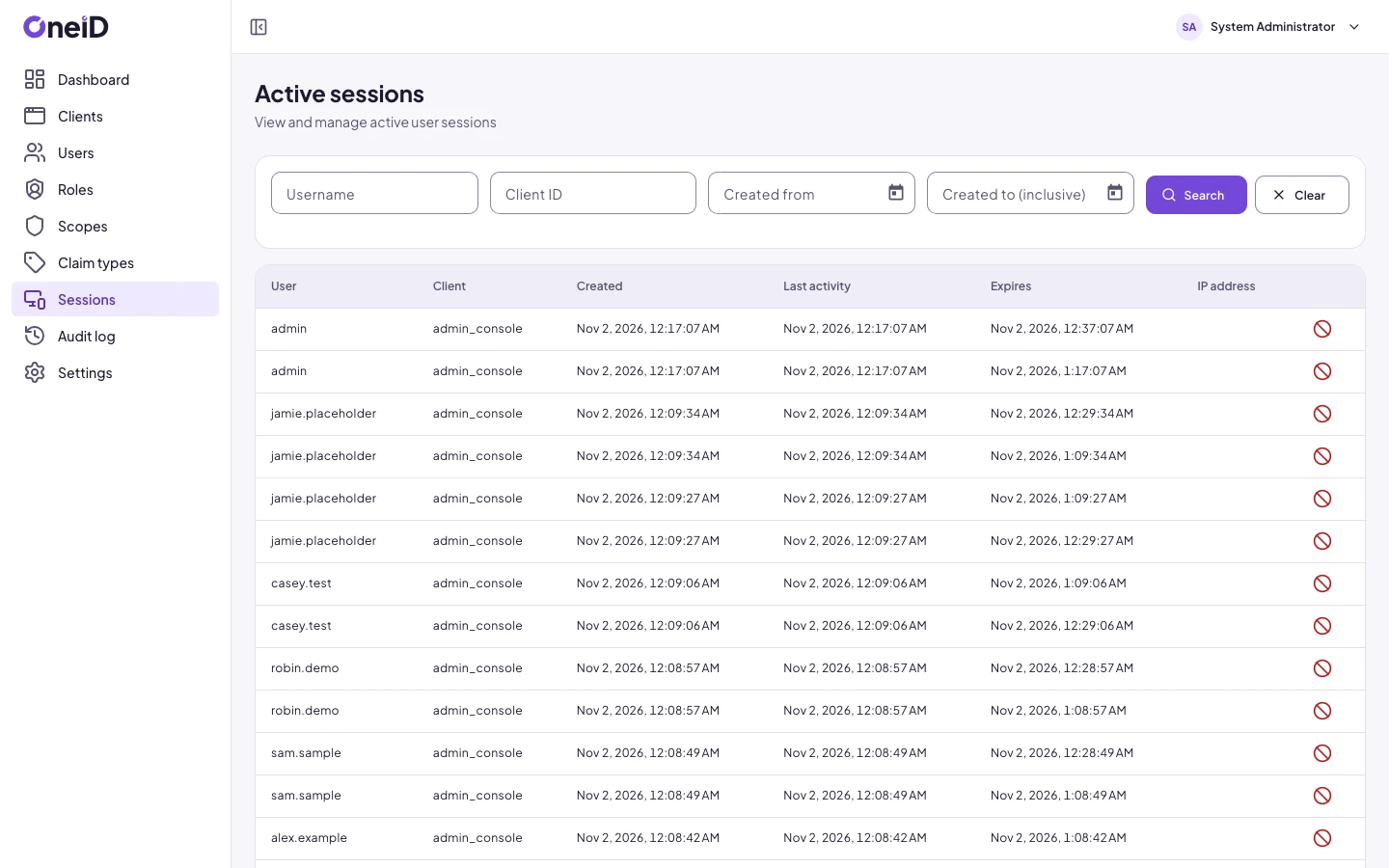
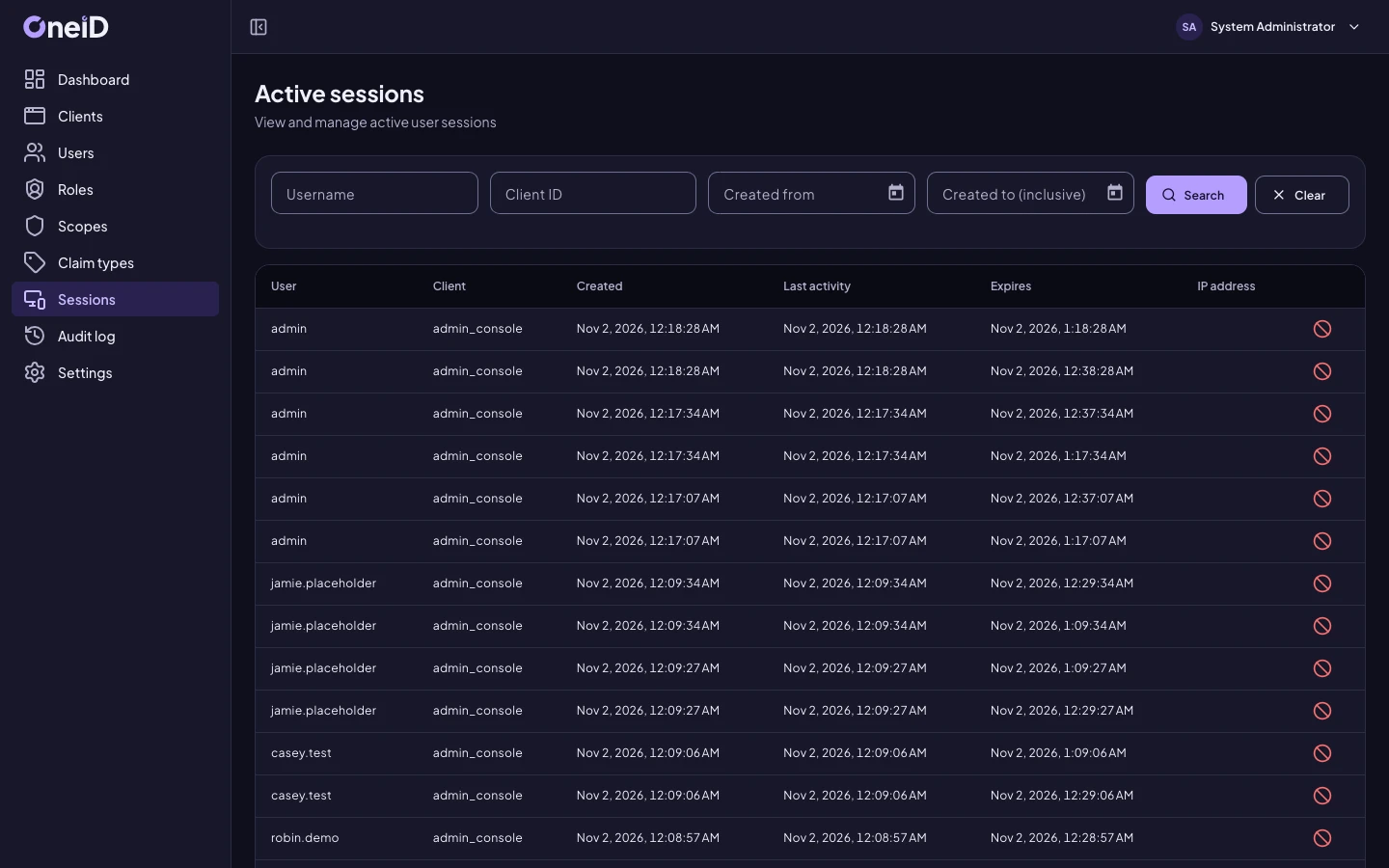
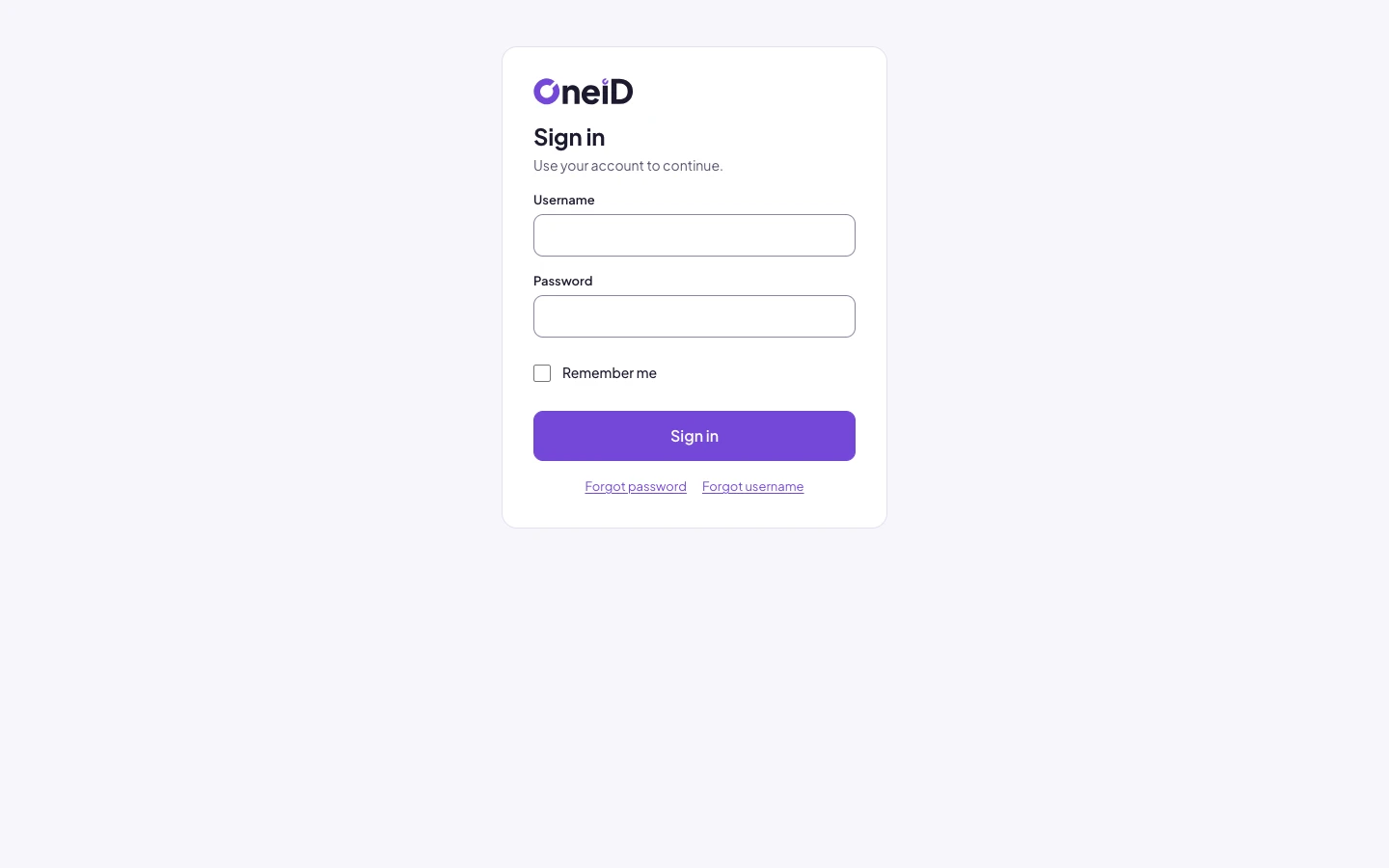
See OneiD
Screens with sample data. The people and companies in them are made up.
Go to OneiD
OneiD has its own site, with everything in more detail.
Want to know if OneiD fits?
Tell us a little about your team. A real person will reply and show you the parts that matter to you.
Not ready to talk? Get our articles by email.